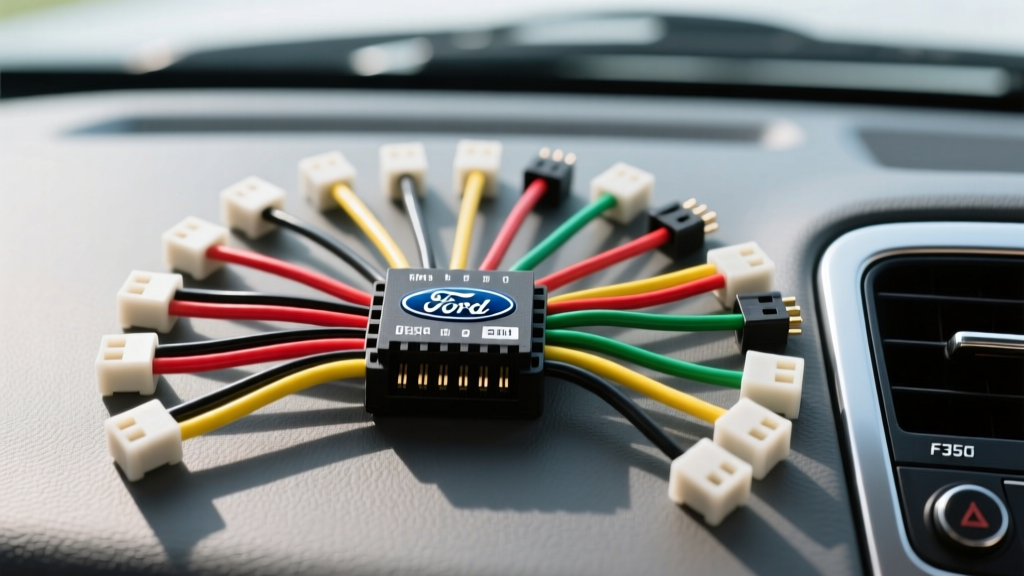
Understanding the Ford Super Duty Audio Architecture
Upgrading the head unit in a Ford F-350 Super Duty requires far more than simply plugging in a generic aftermarket wiring harness. The electrical topology of the F-Series relies heavily on multiplexed CAN-bus (Controller Area Network) systems and varied audio architectures, specifically the split between Base Audio and Sony/Audiophile Premium Audio systems. Misinterpreting a Ford F350 radio wiring diagram can lead to parasitic battery drains, blown factory amplifiers, or complete module lockouts on the MS-CAN network. This complete walkthrough provides a definitive, pin-by-pin breakdown of the primary and secondary harnesses, ensuring your installation meets strict automotive electrical standards.
Dash Disassembly and Harness Extraction
Before accessing the wiring harnesses, the center stack must be safely removed without damaging the retention clips or the climate control ribbon cables.
- Use a plastic trim removal tool to pry the climate control trim bezel outward, starting from the bottom ashtray/cubby area.
- Remove the four 7mm bolts securing the climate control module to the dash sub-frame. Gently pull the module forward and disconnect the HVAC electrical connectors.
- Locate the four 7mm bolts securing the factory radio mounting bracket. Support the radio as you remove the final bolts to prevent it from dropping onto the lower dash trim.
- Slide the ACM (Audio Control Module) forward. You will see the primary 24-pin connector, the secondary 16-pin connector (if equipped with SYNC or Navigation), the Motorola antenna cable, and potentially a FAKRA GPS/SiriusXM connector.
Primary 24-Pin Connector (C240/C241) Pinout
The primary 24-pin rectangular connector handles main power, ground, illumination, and base-level speaker outputs. Below is the standardized pinout for the Base Audio system. Note that wire gauges must adhere to SAE J1128 Low Tension Primary Cable specifications to handle transient current draws without voltage drop.
| Pin # | Wire Color | Function | AWG Spec |
|---|---|---|---|
| 1 | Yellow/Violet | 12V Constant Battery (Memory) | 12 AWG |
| 2 | White/Red | 12V Accessory (Ignition) | 14 AWG |
| 3 | Black/Yellow | Chassis Ground | 12 AWG |
| 4 | Orange/Black | Illumination / Dimmer | 18 AWG |
| 11 | White | Front Left Speaker (+) | 18 AWG |
| 12 | White/Black | Front Left Speaker (-) | 18 AWG |
| 13 | Gray | Front Right Speaker (+) | 18 AWG |
| 14 | Gray/Black | Front Right Speaker (-) | 18 AWG |
| 15 | Green | Rear Left Speaker (+) | 18 AWG |
| 16 | Green/Black | Rear Left Speaker (-) | 18 AWG |
| 17 | Purple | Rear Right Speaker (+) | 18 AWG |
| 18 | Purple/Black | Rear Right Speaker (-) | 18 AWG |
Note: Pins 5-10 and 19-24 are typically reserved for factory amplifier triggers, subwoofer outputs, or left vacant in base audio configurations.
Secondary 16-Pin Connector: CAN-Bus and SYNC Integration
Modern F-350 models utilize the secondary 16-pin connector for data communication, steering wheel controls (SWC), and SYNC module integration. The most critical wires here are the MS-CAN (Medium Speed Controller Area Network) lines. The factory radio does not always rely on a physical 12V Accessory wire to wake up; instead, it listens for a CAN-bus wake command when the ignition cylinder is turned.
- Pin 14 (White/Blue): MS-CAN High (+)
- Pin 15 (White/Brown): MS-CAN Low (-)
- Pin 1 (Gray/Red): Steering Wheel Control 1 (Resistor Ladder)
- Pin 2 (Gray/Brown): Steering Wheel Control 2 (Resistor Ladder)
If you are installing an aftermarket double-DIN receiver, you cannot simply splice into the MS-CAN wires to power the unit. You must use a CAN-bus interface module (such as the iDatalink Maestro or Axxess ASWC-1) to translate the multiplexed data signals into a standard 12V ACC output and analog SWC resistance signals that your new stereo can understand.
Premium Audio System (Sony/THX) Bypass Procedures
If your F-350 is equipped with the Sony Premium Audio package, the factory head unit acts as a pre-amp controller, sending low-voltage, differential audio signals via shielded twisted-pair cables to an external DSP/Amplifier (usually located behind the rear bench or under the center console). Do not tap these speaker wires with standard high-level inputs. The differential signals carry a DC offset that can trigger protection modes or permanently damage the input stage of an aftermarket amplifier.
The Proper Integration Method:
To bypass the factory amplifier, you must either use a specialized DSP integration module (like the PAC AP4-FD11) designed to strip the DC offset and sum the crossover channels, or use an OBD-II programming tool to flash the Ford ACM, forcing it to output full-range, pre-amp level signals directly to the speaker pins on the 24-pin harness.
Antenna and Active Amplifier Power
The F-350 utilizes a mast or roof-mounted antenna with an inline signal booster. The factory radio sends a 12V trigger signal up the antenna coaxial cable to power this booster. When installing an aftermarket radio, you must use a Motorola-to-FAKRA adapter harness that includes a blue pigtail wire. This blue wire must be connected to the aftermarket radio's 'Antenna Trigger' or 'Power Antenna' output (usually blue or blue/white). Failing to connect this will result in severe AM/FM signal degradation inside the truck's large, metal-insulated cabin.
Diagnostic Decision Tree: Common Wiring Failure Modes
When troubleshooting a completed installation, refer to this symptom-cause-fix matrix:
- Symptom: Battery drains overnight (Parasitic Draw).
Cause: The aftermarket radio is not receiving the CAN-bus 'sleep' command and remains in standby mode.
Fix: Verify the CAN-bus interface module is properly wired to the MS-CAN pins (14 & 15) and configured via firmware to the exact F-350 model year. - Symptom: Radio turns on, but no audio from door speakers.
Cause: Premium audio factory amplifier is not receiving a 12V remote turn-on signal, or the ACM is still outputting differential signals.
Fix: Locate the factory amp turn-on wire (often Blue/White on the secondary harness) and provide a 12V remote trigger from the aftermarket radio, or install a premium audio bypass harness. - Symptom: Steering wheel volume buttons operate in reverse or not at all.
Cause: SWC 1 and SWC 2 resistor ladder wires are swapped or the interface module lacks the correct resistance mapping.
Fix: Swap Gray/Red and Gray/Brown at the interface harness and re-run the SWC learning sequence on the aftermarket head unit.
Authoritative References
For further technical validation, consult the following automotive electrical resources:
- SAE J1128: Low Tension Primary Cable Standards - For wire gauge and insulation temperature ratings.
- Crutchfield Vehicle Database: Ford F-Series - For verified fitment and OEM harness adapter part numbers.
- Motorcraft OEM Electrical Connectors - For pin extraction tools and replacement pigtail part numbers (e.g., WPT-1246).