The 6-Pin Distinction: Aviation Connectors vs. Standard Trailer Lighting
When enthusiasts and fleet managers search for a 6 pin reversing camera wiring diagram, there is a critical technical distinction that must be made immediately. In the trailer wiring world, a "6-pin" connector typically refers to the SAE J560 6-way round pin connector used for heavy-duty commercial trailer lighting and air brakes. However, when upgrading a trailer, RV, or horse trailer with a heavy-duty observation or backup camera system, the "6-pin" reference almost universally points to the 6-pin aviation-style screw-lock connector (often a GX16-6P or M12 variant).
Standard flat or round trailer lighting harnesses are entirely unsuited for transmitting analog or digital video signals. They lack the coaxial shielding required to prevent electromagnetic interference (EMI) from the tow vehicle's alternator, brake controllers, and LED lighting drivers. This upgrade guide focuses entirely on the 6-pin aviation camera harness, providing the exact pinout, wire gauge requirements, and installation methodology required to integrate a high-definition or analog backup camera into your trailer's A-frame and electrical junction box.
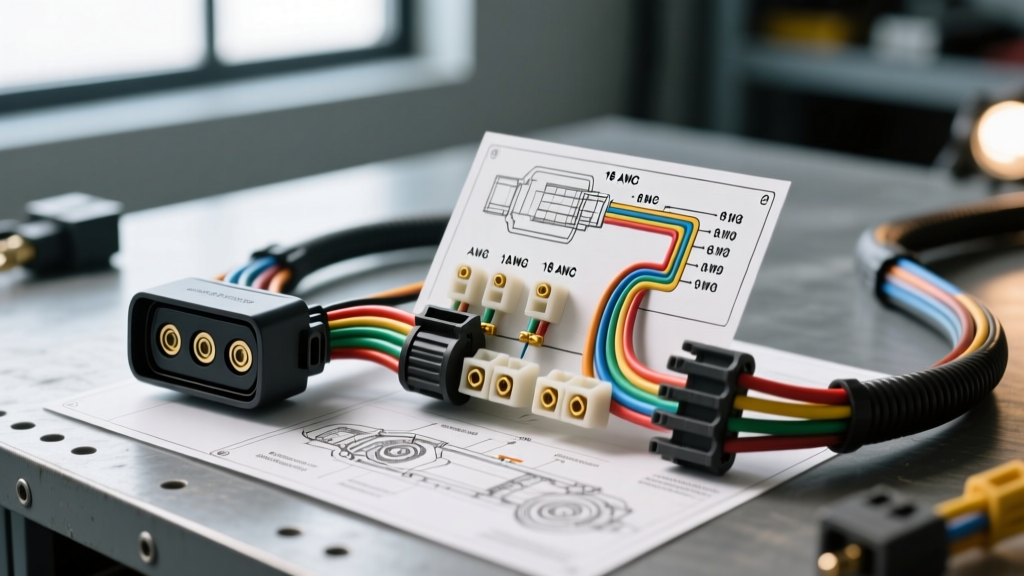
The 6 Pin Reversing Camera Wiring Diagram and Pinout Chart
Heavy-duty camera systems from manufacturers like Rear View Safety (RVS), Furrion, and Voyager utilize a 6-pin aviation connector to deliver power, ground, video, audio, and trigger signals through a single IP67-rated waterproof barrel. Below is the industry-standard pinout configuration for a 6-pin reversing camera harness.
| Pin Number | Function | Standard Wire Color | Wire Gauge / Type |
|---|---|---|---|
| Pin 1 | DC Power (+12V) | Red | 18 AWG Stranded Copper |
| Pin 2 | Chassis Ground (-12V) | Black | 18 AWG Stranded Copper |
| Pin 3 | Video Signal (+) | Yellow (or Coax Center) | 22 AWG Shielded Coaxial |
| Pin 4 | Video Ground / Shield | Green (or Coax Braid) | 22 AWG Shielded Coaxial |
| Pin 5 | Audio Signal | White | 22 AWG Shielded |
| Pin 6 | Trigger / IR Control | Blue | 22 AWG Stranded |
Note: Always verify the pinout with your specific camera manufacturer's manual, as some European DIN-style 6-pin connectors may swap the audio and trigger pins. The aviation barrel connectors, however, strictly adhere to the layout above to maintain backward compatibility with older analog CRT monitor systems.
Wire Gauge Selection and Voltage Drop Considerations
A common failure point in trailer camera upgrades is voltage drop over long cable runs. A standard travel trailer or fifth wheel requires 40 to 65 feet of cable routing from the tow vehicle's dashboard monitor to the rear marker bracket.
While the camera itself may only draw 250mA to 400mA, running 24 AWG wire over 60 feet will result in a voltage drop that can cause the camera's internal IR (infrared) cut filter to click rapidly, or the image to flicker when the brake lights are applied. According to IPC/WHMA-A-620 standards for wire harness assemblies, you must use a minimum of 18 AWG stranded copper for the power and ground lines (Pins 1 and 2) on any run exceeding 25 feet. For the video signal (Pin 3), you must use a dedicated RG59 or multi-core shielded coaxial cable to maintain a 75-ohm impedance, preventing video ghosting and signal reflection.
Step-by-Step Installation: Splicing the Monitor and Harness
Upgrading your trailer requires routing the 6-pin aviation pigtail through the trailer's A-frame and connecting it to a dedicated power source and monitor trigger. Follow these modification steps:
- Route the Main Harness: Feed the 6-pin aviation extension cable through the trailer's A-frame conduit. Use a fish tape and apply a silicone-based wire pulling lubricant to prevent tearing the coaxial shielding on the internal A/V wires.
- Prepare the Junction Box: Inside the trailer's front electrical junction box, identify a dedicated 12V accessory circuit. Do not splice the camera power into the trailer's running light circuit; the voltage fluctuation from LED markers will introduce alternator whine into the audio and video lines.
- Solder and Seal Connections: Strip the 18 AWG power and ground wires. Use adhesive-lined marine-grade heat shrink butt connectors. Crimp with a ratcheting crimper, then apply heat until the adhesive seals the wire insulation. This prevents corrosion from road salt and moisture ingress.
- Isolate the Video Ground (Pin 4): This is the most critical step. Pin 4 (Video Ground) must remain isolated from the trailer's physical steel chassis. It should only connect to the monitor's dedicated video ground pin. Tying Pin 4 to the trailer chassis creates a ground loop, resulting in severe horizontal scrolling bars on the monitor.
- Weatherproof the Aviation Connector: Before screwing the 6-pin barrel connector together at the rear of the trailer, apply a thin layer of Nyogel 760G dielectric grease to the threads and the rubber O-ring. This ensures an IP67 waterproof seal and prevents galvanic corrosion between the metal locking collars.
Integrating with Existing 7-Way Trailer Harnesses
Many DIY modifiers attempt to run their camera signals through the unused auxiliary pin on a standard 7-way RV blade connector (the 12V auxiliary or reverse light pin). While you can use the 7-way's reverse light circuit (Pin 3 on standard SAE J286 7-way blades) as a trigger to wake up the dashboard monitor, you must never run the raw analog video signal through the 7-way blade. The pins on a standard trailer plug lack the shielding and continuous contact pressure required for high-frequency video signals. Vibration during highway towing will cause micro-disconnects, resulting in a black screen or severe static. Always use a dedicated, externally routed 6-pin aviation harness for the A/V data, and use the 7-way plug strictly for the 12V trigger signal (Pin 6 on the aviation connector).
Troubleshooting Signal Loss and Ground Loops
Even with a perfect wiring diagram, heavy-duty trailer environments are electrically hostile. If your upgrade project results in a degraded image, use this diagnostic tree:
- Symptom: High-pitched whining noise from the monitor speaker that changes pitch with engine RPM.
Cause: Alternator whine caused by a ground loop.
Fix: Verify that Pin 2 (Camera Ground) and the monitor ground are tied to the exact same battery ground point. Ensure Pin 4 (Video Shield) is not accidentally touching the trailer chassis anywhere along the 60-foot run. - Symptom: Image flickers or cuts out entirely when the tow vehicle's brake controller engages.
Cause: Voltage drop or EMI spike from the PWM (Pulse Width Modulation) brake controller.
Fix: The camera power is likely spliced into the brake controller output or a shared lighting circuit. Run a dedicated 18 AWG power feed directly from the tow vehicle's auxiliary fuse block to the camera monitor, and use an isolated DC-DC converter to power the camera at the rear of the trailer. - Symptom: Video "ghosting" or double images on the monitor.
Cause: Impedance mismatch in the coaxial line.
Fix: Check for sharp 90-degree bends in the aviation cable routing. Coaxial video cables must maintain a minimum bend radius of at least 1.5 inches to prevent the internal dielectric from crushing and altering the 75-ohm impedance, as noted in SAE J1113 Electromagnetic Compatibility testing guidelines.
Final Modification Checklist
Before sealing up your trailer's interior panels and junction boxes, perform a continuity test on all 6 pins using a digital multimeter. Verify that the coaxial shield (Pin 4) shows infinite resistance (OL) when tested against the trailer's steel frame. Finally, secure the aviation cable to the trailer's underbelly using UV-resistant nylon cable ties every 18 inches, ensuring the cable is routed at least 4 inches away from any 120V AC shore power lines to prevent inductive interference. By strictly adhering to this 6 pin reversing camera wiring diagram and utilizing heavy-duty AWG specifications, your upgraded observation system will deliver crystal-clear, interference-free video for thousands of miles of towing.