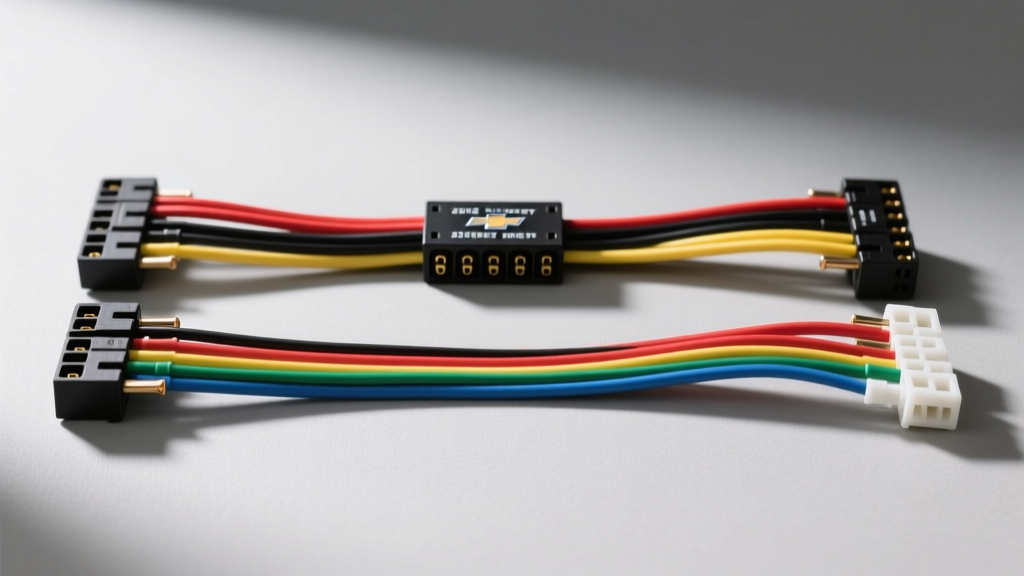
Introduction to the 2005 Silverado Audio System
Upgrading or troubleshooting the audio system in a GMT800 platform truck requires a precise understanding of the OEM electrical architecture. The 2005 Chevy Silverado utilizes a multiplexed Body Control Module (BCM) network, meaning the radio does not rely on a simple 12V ignition switch wire to turn on. Instead, it uses a Class 2 Serial Data bus to receive wake-up and sleep commands. This complete walkthrough of the color code 2005 Chevy Silverado radio wiring harness diagram will guide you through the primary 24-pin connector, speaker phase mappings, and retained accessory power (RAP) logic.
Understanding the GMT800 Platform Radio Connectors
The 2005 Silverado base and premium audio systems rely on a Delphi-Packard 24-pin primary connector (C1) located at the rear of the head unit. For trucks equipped with the premium Bose amplifier system, a secondary 12-pin connector (C2) handles low-level RCA-style analog signals and amplifier control. When performing an aftermarket integration or diagnosing a parasitic draw, identifying the correct OEM wire color codes and pin positions is critical to avoid frying the BCM or the Class 2 data network.
Complete 2005 Chevy Silverado Radio Wiring Harness Color Code Diagram
Below is the definitive pinout and color code reference for the standard 24-pin C1 harness. Note that GM wire colors often feature a primary color with a tracer stripe (e.g., Black/White).
Table 1: Primary 24-Pin Harness (C1) - Power, Ground, and Data
| Pin | Wire Color | Function | AWG |
|---|---|---|---|
| 12 | Light Green/Black | Class 2 Serial Data (BCM Wake/Sleep) | 20 AWG |
| 13 | Black/White | Main Chassis Ground | 14 AWG |
| 16 | Orange | Constant Battery 12V+ (B+) | 14 AWG |
| 17 | Brown | Ignition / Retained Accessory Power (RAP) | 16 AWG |
Table 2: Speaker Outputs and Steering Wheel Controls
| Pin | Wire Color | Function | Polarity |
|---|---|---|---|
| 1 | Brown | Left Rear Speaker | Positive (+) |
| 2 | Yellow | Left Rear Speaker | Negative (-) |
| 3 | Dark Blue | Right Rear Speaker | Positive (+) |
| 4 | Light Blue | Right Rear Speaker | Negative (-) |
| 5 | Tan | Left Front Speaker | Positive (+) |
| 6 | Gray | Left Front Speaker | Negative (-) |
| 7 | Light Green | Right Front Speaker | Positive (+) |
| 8 | Dark Green | Right Front Speaker | Negative (-) |
| 11 | Brown/White | Steering Wheel Controls (Signal) | N/A |
| 18 | Black/White | Steering Wheel Controls (Ground Ref) | N/A |
Wire Gauge (AWG) and Terminal Specifications
When repairing or extending the OEM harness, matching the American Wire Gauge (AWG) is non-negotiable to prevent voltage drop and thermal events. The constant 12V+ (Orange) and Ground (Black/White) circuits are typically 14 AWG, rated for up to 15 amps continuously, which is sufficient for the head unit's internal amplifier and memory retention. Speaker wires are 18 AWG stranded copper. The terminals inside the Delphi-Packard connector are GT 280 series. To extract a terminal without breaking the locking tang, use a dedicated Delphi 280 terminal removal tool rather than a standard pick.
Step-by-Step Harness Integration Walkthrough
Step 1: Dash Disassembly and Connector Access
Remove the two 7mm screws securing the lower dash trim panel beneath the steering column. Pull the panel rearward to release the tension clips. Next, remove the four 7mm screws securing the radio bezel. Slide the bezel forward and disconnect the hazard switch and headlight switch connectors. Finally, remove the four 8mm hex bolts securing the radio bracket to the dash frame.
Step 2: Class 2 Data Line and Retained Accessory Power (RAP)
Unlike older vehicles, the 2005 Silverado uses the BCM to manage Retained Accessory Power (RAP). The radio receives constant 12V on the Orange wire, but it will not power on until the BCM sends a digital wake-up message via the Light Green/Black Class 2 data wire (Pin 12). If you are installing an aftermarket head unit, you must use a GM-specific RAP interface module (such as the Axxess ASWC-1 or Metra XSVI-2105) to translate the Class 2 serial data into a standard 12V accessory trigger wire.
Step 3: Speaker Phase and Polarity Verification
GM speaker wiring uses specific color pairings to maintain phase. Always verify polarity with a 9V battery test or a digital multimeter before finalizing solder joints. Connecting a speaker out of phase (e.g., swapping Tan and Gray on the Left Front channel) will result in severe bass cancellation and a hollow soundstage, as the acoustic waves from the left and right channels will destructively interfere.
Premium Bose Amplifier Integration (C2 Connector)
If your 2005 Silverado is equipped with the factory Bose premium audio package, the head unit outputs low-level (line-level) analog signals rather than high-level speaker outputs. These signals are routed through the secondary 12-pin C2 connector to the under-seat or rear-cabin amplifier. The amplifier requires a dedicated 12V turn-on signal, which is typically derived from the same Class 2 data wake-up command, but translated internally by the head unit to an analog trigger on the amplifier harness. When bypassing the Bose amp for an aftermarket setup, you must rewire the doors using standard high-level speaker wire (16 AWG) routed directly from the new head unit to the door speakers, bypassing the factory amp entirely to avoid severe signal degradation and frequency filtering.
Advanced Wiring Techniques: Soldering and Shielding
When extending or repairing the 2005 Silverado radio harness, never use twist-on crimp caps or Scotchlok T-taps. The automotive environment is subject to extreme thermal cycling and vibration, which will cause mechanical crimps to oxidize and fail over time. Always strip the wire using a precision wire stripper to avoid nicking the copper strands. Use 60/40 rosin-core solder to create a metallurgical bond, and seal the connection with dual-wall polyolefin heat shrink tubing featuring an inner adhesive lining. This adhesive melts and seals the joint against moisture and corrosion, which is critical in a truck environment where humidity and temperature swings are constant.
Furthermore, the Class 2 Serial Data wire (Light Green/Black) is highly susceptible to Electromagnetic Interference (EMI). Ensure this wire is never routed parallel to high-current cables, such as the main alternator output or aftermarket amplifier power wires. If crossing high-current wires is unavoidable, do so at a strict 90-degree angle to minimize inductive coupling and data packet corruption.
Antenna and Diversity Module Wiring
The 2005 Silverado utilizes a standard Motorola-style antenna connector for AM/FM reception, but higher trim levels (like the LTZ or Denali equivalents of the era) may feature a diversity antenna module integrated into the rear window defroster grid. This module requires a 12V trigger to activate the low-noise amplifier (LNA) for the antenna. If you are installing an aftermarket radio and experience poor FM reception, verify that the blue/white antenna trigger wire from your aftermarket harness is properly connected to the OEM antenna module trigger wire (often found in the secondary harness or adapted via a Metra 40-GM10 adapter). Without this 12V trigger, the LNA remains unpowered, resulting in a massive drop in signal-to-noise ratio.
Common Troubleshooting Scenarios
- Radio Turns Off Immediately After Starting: This indicates a failure in the RAP relay circuit or a loss of the Class 2 data signal from the BCM. Check the 15A 'Radio' fuse in the underhood fuse block and verify continuity on the Light Green/Black wire.
- Parasitic Battery Draw: If the Class 2 data bus fails to go to sleep (often caused by a faulty aftermarket harness bridging the data line), the BCM will remain awake, drawing 200-400mA and killing the battery overnight. Ensure no T-taps were used on the data line, as they can cause impedance mismatches and signal reflection.
- Steering Wheel Controls Inoperative: The SWC circuit operates on a resistance ladder network. If controls act erratically, check the clock spring ribbon cable for continuity. Expected resistance values for GM switches are roughly 52 ohms for Vol+, 95 ohms for Vol-, 140 ohms for Seek+, and 185 ohms for Seek-.
Authoritative References
For factory-level schematics and diagnostic trouble codes (DTCs), always consult the official Helm Incorporated GM Service Manuals. For standards regarding automotive wiring insulation, electromagnetic compatibility (EMC), and serial data bus architecture, refer to the SAE International Standards Database (specifically SAE J1850 for Class 2 data protocols). Additional integration guidelines can be found via the Mobile Electronics Association.