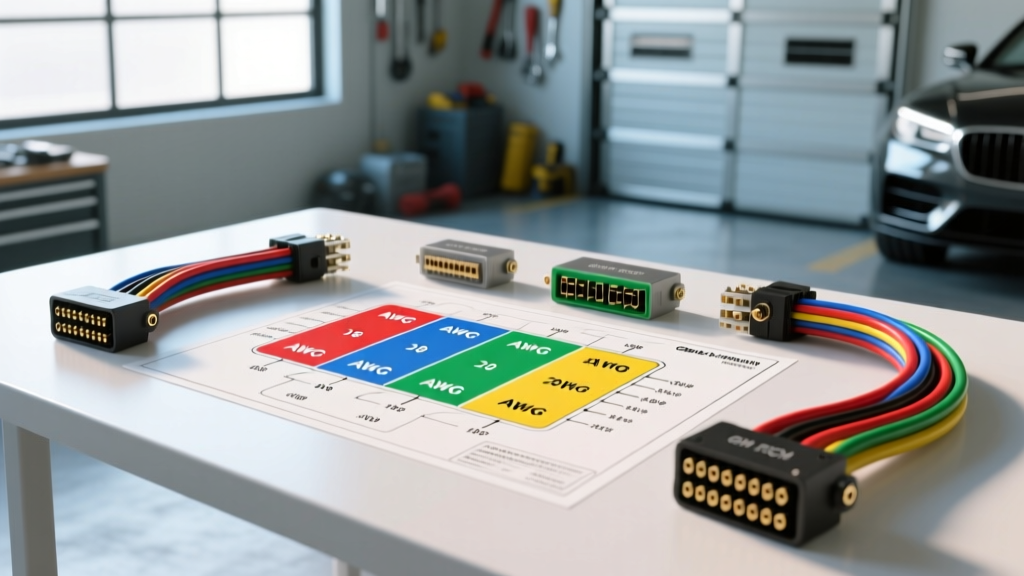
Decoding the Wiring Diagram GM ECM Pinout: A Beginner's Approach
For automotive enthusiasts and novice technicians, opening a factory service manual and staring at a wiring diagram GM ECM pinout can feel like trying to read a foreign language. Whether you are performing an LS engine swap, diagnosing a no-start condition on a Silverado, or tracing a faulty sensor circuit, understanding how General Motors routes power, ground, and data through the Engine Control Module (ECM) or Powertrain Control Module (PCM) is critical. This guide breaks down the fundamentals of GM ECM pinouts, focusing on the legendary P59 PCM architecture (found in 1999-2007 Gen III/IV V8 platforms) to teach you how to read, interpret, and diagnose GM electrical circuits with confidence.
The Anatomy of a GM Pinout Diagram
Before probing any wires, you must understand the visual language of GM schematics. A standard GM ECM pinout diagram is divided into logical connector blocks. On the widely used P59 PCM, the harness breaks down into three distinct connectors:
- Connector 1 (C1 - Blue): Primarily handles low-current sensor inputs, 5-volt references, and low-side driver grounds for emissions solenoids.
- Connector 2 (C2 - Red): Houses high-current circuits, including injector drivers, ignition coil controls, main battery power feeds, and primary chassis grounds.
- Connector 3 (C3 - Black): Dedicated to the Throttle Actuator Control (TAC) module, serial data communication, and CAN bus networks on later iterations.
When reading the diagram, look for the node numbers (e.g., C1-21). This translates to Connector 1, Pin 21. Always verify the physical connector color and cavity numbering stamped into the plastic housing before back-probing.
Wire Sizing and Color Codes: The SAE Standard
GM adheres to strict SAE J1128 standards for low-tension primary cable sizing and insulation. Understanding American Wire Gauge (AWG) in the context of your pinout diagram helps you diagnose voltage drop issues and select the correct replacement wire.
| Circuit Type | Typical AWG Size | Common GM Wire Colors | Diagram Function |
|---|---|---|---|
| Main ECM Power/Ground | 12 to 14 AWG | Red/White, Black/White | Battery feed, Chassis Ground (G103) |
| Injector / Coil Drivers | 16 to 18 AWG | Pink, Dark Green/White | Switched 12V and ECM low-side pulse |
| Sensor Signals (MAF/MAP) | 18 to 20 AWG | Yellow, Dark Green | Analog voltage return to ECM |
| 5V Reference (VREF) | 18 AWG | Gray | Shared 5V supply for analog sensors |
| Data Link / CAN Bus | 18 to 20 AWG | Purple (Class 2), Twisted Pair | OBD-II communication, GMLAN |
Pro Tip: GM wire colors often feature a base color with a tracer stripe (e.g., DK GRN/WHT means Dark Green with a White stripe). Always verify both colors when tracing a circuit from the ECM to the component.
Core Pinout Reference: GM P59 PCM (Gen III/IV V8)
Below is a foundational reference table for the most critical pins on the P59 ECM. Memorizing these specific cavities will drastically speed up your diagnostic process when dealing with cranking no-starts or communication failures.
| Connector | Pin | Wire Color | Circuit Function | Diagnostic Note |
|---|---|---|---|---|
| C2 (Red) | 1 | Red/White | Ignition Battery Power | Should read 12.6V with key in RUN/CRANK. |
| C2 (Red) | 57 | Black/White | Main ECM Ground | Must have less than 0.1V drop to battery negative. |
| C1 (Blue) | 21 | Yellow | MAF Sensor Signal | Frequency/Analog signal; verify no 12V short. |
| C1 (Blue) | 29 | Gray | 5V Reference (VREF) | Shared circuit. A short here kills MAP, TPS, and Pedal. |
| C3 (Black) | 47 | Purple | Class 2 Serial Data | Communication with OBD-II port Pin 2. |
The 5-Volt Reference (VREF) Circuit: A Beginner's Trap
One of the most common mistakes beginners make when using a GM ECM pinout diagram is misunderstanding the 5-Volt Reference bus. The ECM generates a precise 5V signal (typically on a Gray 18 AWG wire) that feeds the MAP sensor, Throttle Position Sensor (TPS), and Accelerator Pedal Position (APP) sensor.
Symptom:
The vehicle runs terribly, throws codes for the MAP, TPS, and APP sensors simultaneously, and the scan tool shows 0.0V on all 5V sensor parameters.
The Diagnosis:
Because these sensors share the same internal ECM driver, a short-to-ground on any single wire in the VREF circuit will pull the entire 5V bus down to zero. To isolate the fault using your pinout diagram:
- Disconnect the ECM C1 (Blue) connector.
- Use a digital multimeter (DMM) to check for continuity between Pin 29 (Gray VREF wire) and chassis ground.
- If continuity exists, the short is in the harness. Disconnect sensors one by one until the short disappears, isolating the faulty component or chafed wire.
Communication Protocols: Class 2 vs. GMLAN
When diagnosing 'No Communication' scan tool errors, your wiring diagram will point you to the data link circuits. Early GM platforms (1996-2007) utilize Class 2 Serial Data, defined by SAE J1979 OBD-II standards. This is a single-wire, untwisted purple circuit (18 AWG) that pulses between 0V and 7V.
Later GM ECMs (like the E38 and E92 found in LS3/LT1 applications) transitioned to GMLAN (CAN Bus). On a CAN bus pinout, you will see a twisted pair of wires (typically Dark Green and Dark Green/White). When diagnosing CAN bus issues, you must measure the termination resistance across the High and Low CAN pins at the OBD-II port with the battery disconnected. A healthy GM CAN network will read exactly 60 ohms (two 120-ohm resistors in parallel within the ECM and TCM).
Troubleshooting Decision Tree: Cranks But Won't Start
Use this logical sequence alongside your ECM pinout diagram to diagnose a no-start condition without throwing unnecessary parts at the vehicle.
- Step 1: Verify Main Power. Back-probe C2 Pin 1 (Red/White) and C2 Pin 18 (Red/White). Do you have full battery voltage during cranking? If NO: Check IGN relay and fusible links.
- Step 2: Verify Ground Plane. Perform a voltage drop test from C2 Pin 57 (Black/White) to the negative battery terminal while cranking. If voltage drop exceeds 0.2V: Clean the G103 ground splice pack and engine block mating surface.
- Step 3: Check RPM Signal. Connect a scan tool or oscilloscope to the 24x/58x crankshaft position sensor circuit. Does the ECM see RPM while cranking? If NO: Inspect sensor air gap and wiring harness for heat damage near exhaust manifolds.
- Step 4: Verify Injector Pulse. Use a noid light on an injector connector. If NO: Check C2 injector control pins for open circuits or blown ECM driver transistors.
Essential Tools for ECM Pinout Diagnostics
Never pierce wire insulation with a test light or standard probe; this introduces moisture and causes future corrosion, especially on low-voltage sensor circuits. Instead, invest in:
- Back-Probe Pins: Thin, flexible pins designed to slide into the rear of the ECM connector cavity alongside the wire.
- High-Impedance DMM: A multimeter with at least 10 Megohms of impedance to prevent drawing current and damaging sensitive ECM logic boards.
- Breakout Boxes: For advanced diagnostics, a GM-specific breakout box allows you to measure pin voltages while the ECM is fully plugged in and sealed against the elements.
Final Thoughts on ECM Handling
When removing or installing a GM ECM based on your pinout findings, always adhere to factory torque specifications for the mounting bolts (typically 10 Nm or 89 lb-in). The ECM chassis often serves as a secondary ground plane for internal logic boards. Over-tightening can crack the solder joints on the main PCB, while under-tightening can cause intermittent ground faults that mimic sensor failures. By mastering the wiring diagram GM ECM pinout, you transition from a parts-swapper to a true automotive electrical diagnostician.