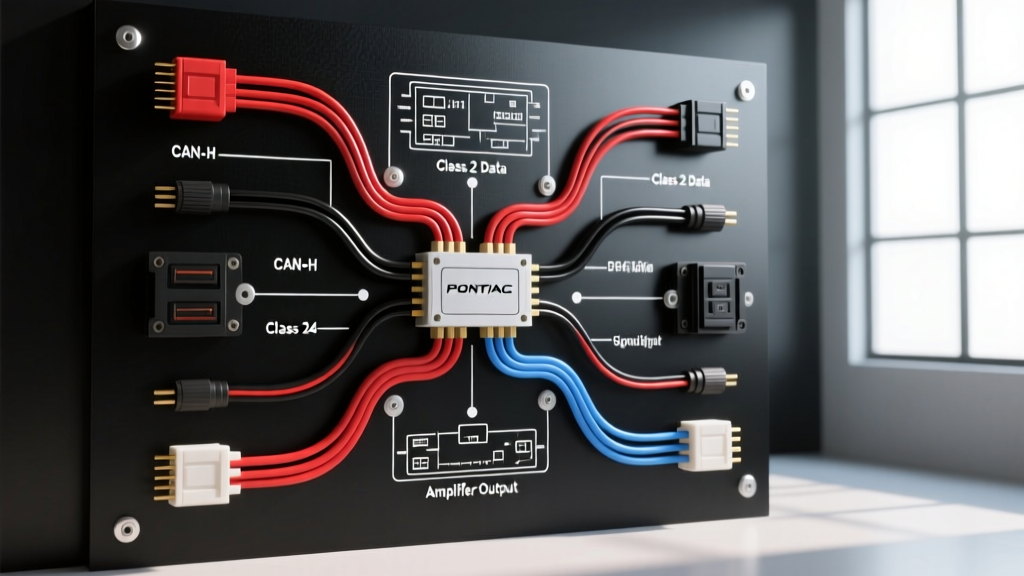
Pontiac G6 Audio Architecture and Epsilon Platform Overview
The Pontiac G6, built on the GM Epsilon platform (2005–2010), represents a transitional era in General Motors' automotive electrical systems. Unlike older vehicles that relied on a physical 12V accessory wire to trigger the head unit, the G6 utilizes a multiplexed SAE J1850 Class 2 Serial Data bus to manage Retained Accessory Power (RAP), instrument cluster dimming, and anti-theft lockouts. Understanding the Pontiac G6 radio wiring diagram requires more than matching positive and negative speaker wires; it demands a fundamental grasp of GM's data-driven audio topology.
This technical specification reference details the OEM 24-pin connector pinout, speaker impedance variations between base and Monsoon premium systems, and the precise aftermarket integration requirements for bypassing the Class 2 data bus without triggering parasitic draws or disabling the vehicle's chime module.
OEM 24-Pin Radio Connector Pinout Specifications
The base audio system in the Pontiac G6 utilizes a standard GM 24-pin harness. If your vehicle is equipped with the premium Monsoon audio system, the head unit still uses this connector for power and data, but the speaker outputs route through a factory amplifier located in the trunk or rear parcel shelf. Below is the definitive pinout for the base audio 24-pin connector.
| Pin | Wire Color | Function / Circuit | Technical Notes |
|---|---|---|---|
| 1 | Brown | Left Rear Speaker (+) | Base audio direct output |
| 2 | Yellow | Left Rear Speaker (-) | Do not ground to chassis |
| 3 | Tan | Left Front Speaker (+) | Base audio direct output |
| 4 | Gray | Left Front Speaker (-) | Do not ground to chassis |
| 5 | Light Green | Right Front Speaker (+) | Base audio direct output |
| 6 | Dark Green | Right Front Speaker (-) | Do not ground to chassis |
| 7 | Dark Blue | Right Rear Speaker (+) | Base audio direct output |
| 8 | Light Blue | Right Rear Speaker (-) | Do not ground to chassis |
| 9 | Black/White | Chassis Ground | Verify < 0.05V drop under load |
| 10 | Brown/White | Illumination (Dimmer) | Often inactive; dimming via Class 2 |
| 12 | Light Green | Class 2 Serial Data | Crucial for RAP and chime retention |
| 16 | Orange | Battery Positive (+12V Constant) | Fused at the BCM / Fuse Block |
Speaker Impedance and Wire Routing Matrix
When upgrading the speakers in a Pontiac G6, matching the OEM impedance is critical to prevent clipping and thermal damage to the new head unit's internal Class-D amplifier ICs. Chilton Automotive Repair Manuals note that GM utilized different speaker architectures depending on the RPO (Regular Production Option) codes.
- Base Audio (RPO UQ3): 4-Ohm nominal impedance. Standard 6.5-inch front door woofers and 6x9-inch rear deck speakers. Can be driven directly by an aftermarket 50W x 4 RMS head unit.
- Monsoon Premium Audio (RPO UQ4): 2-Ohm nominal impedance. Driven by a dedicated factory amplifier. Warning: Connecting 2-Ohm factory speakers directly to an aftermarket head unit rated for 4-Ohm minimums will cause the head unit to enter thermal protection mode or suffer blown output transistors.
Aftermarket Integration: Bypassing the Class 2 Data Bus
The most common failure point in G6 stereo installations is attempting to wire an aftermarket radio using a basic, non-data harness adapter. Because the G6 lacks a physical 12V accessory (ignition-switched) wire at the radio cavity, the OEM head unit relies on the Light Green Class 2 Serial Data wire (Pin 12) to know when the ignition cylinder is turned to the "ACC" or "RUN" position.
Furthermore, the G6 routes the driver's door chime and safety warning tones through the factory radio speakers. Bypassing the data bus without a proper interface will silence these critical safety warnings and result in a parasitic battery draw, as the aftermarket radio will fail to receive the "sleep" command from the Body Control Module (BCM) when the door is opened.
Required Interface Modules
To properly integrate an aftermarket double-DIN or single-DIN receiver, you must use a Class 2 data translator. Authoritative integration specialists like PAC Audio and Axxess provide the following solutions:
- PAC RPAC-GM11 or Axxess GMOS-04: These modules intercept the Light Green Class 2 data line, translate the BCM ignition and RAP commands, and output a standard 12V accessory wire (Red) and a 12V amplifier turn-on wire (Blue/White) for the aftermarket harness.
- Chime Retention: These modules feature an internal piezoelectric buzzer or dedicated speaker to retain the factory door and seatbelt chimes, ensuring the vehicle remains street-legal and safe.
Amplifier Installation and AWG Power Specifications
The Pontiac G6 is equipped with a 110A to 130A alternator (depending on the engine configuration, such as the 2.4L LE5 or 3.6L LY7). When installing an aftermarket subwoofer amplifier, proper wire gauge selection and routing are vital to prevent alternator diode burnout and voltage sag.
| Total Amplifier RMS Wattage | Recommended Power Wire (AWG) | Recommended Ground Wire (AWG) | Inline Fuse Rating (ANL/MAXI) |
|---|---|---|---|
| Up to 400W | 8 AWG OFC | 8 AWG OFC | 40 Amp |
| 401W - 800W | 4 AWG OFC | 4 AWG OFC | 80 Amp |
| 801W - 1200W | 1/0 AWG OFC | 1/0 AWG OFC | 120 Amp |
| 1200W+ | Dual 1/0 AWG or 2/0 AWG | Match Power | 150+ Amp + Alternator Upgrade |
Firewall Routing and Grounding Protocols
Route the main power cable through the main firewall harness grommet located behind the glovebox assembly. Use a plastic fish tape and apply dielectric grease to prevent tearing the OEM weather seal. Never ground your amplifier to the seatbelt pretensioner bolts or the rear strut tower nuts. These points are painted and isolated for safety systems. Scrape the paint from a dedicated chassis bolt in the trunk pan, apply a zinc-rich primer to prevent oxidation, and torque the ground ring terminal to 15 lb-ft to ensure a high-current, low-resistance path.
Troubleshooting Common G6 Audio Failures
Use the following diagnostic matrix to resolve common electrical anomalies encountered during and after Pontiac G6 stereo installations.
Symptom: Aftermarket Radio Drains Battery Overnight
- Cause: The aftermarket radio's constant 12V (Yellow) and accessory 12V (Red) wires are spliced together, or the data interface is failing to send the "sleep" signal.
- Fix: Verify the interface module (e.g., GMOS-04) is receiving the Light Green Class 2 signal. Use a digital multimeter (DMM) to check the interface's accessory output wire; it should drop to 0V exactly 10 minutes after the ignition is removed and the driver's door is opened (the BCM sleep timer).
Symptom: Alternator Whine in Speaker Output
- Cause: Ground loop induced by differing ground potentials between the head unit and the trunk-mounted amplifier, or RCA cables routed parallel to the vehicle's main power harness.
- Fix: Ensure all audio components share a common ground point or are grounded to bare, unpainted metal with < 0.05V of potential difference. Reroute RCA cables down the center console, away from the OBD-II harness and BCM wiring on the driver's kick panel.
Symptom: Radio Turns Off When Turning the Steering Wheel
- Cause: Voltage drop on the Class 2 Serial Data line caused by a poor pin crimp at the 24-pin connector, or a short in the steering wheel control module (if equipped).
- Fix: Inspect Pin 12 on the OEM harness. GM terminals are prone to backing out of the plastic housing if the release tab is damaged. Use a terminal pick to verify pin tension and apply dielectric grease to the connector block to prevent micro-corrosion.