The Hidden Dangers of Improper Rocker Switch Removal
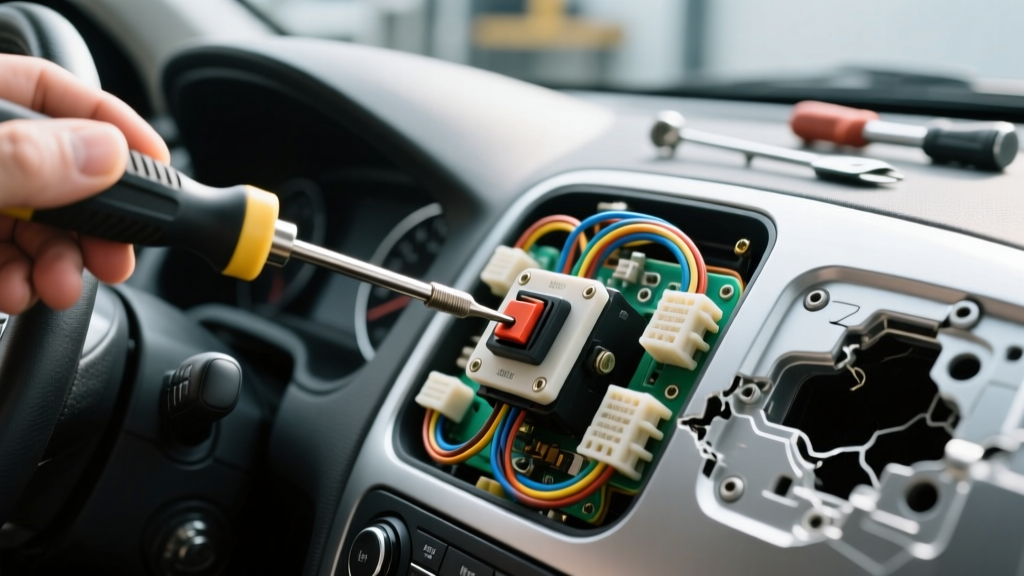
When upgrading auxiliary lighting, installing winch controls, or reconfiguring a custom switch pod, removing existing switches seems like a trivial task. However, the Carling Contura V-series and similar marine-grade rocker switches are secured by aggressive, spring-loaded locking barbs designed to withstand heavy vibration and water ingress. Attempting to extract these switches without a dedicated rocker switch removal tool—or using the tool incorrectly—frequently results in shattered ABS plastic bezels, severed LED ground wires, and catastrophic 12V short circuits. This guide details the most common mistakes, safety warnings, and technical protocols for safely extracting custom rocker switches from dash panels and switch pods.
Understanding the Retainer Barb Anatomy
Standard automotive and marine rocker switches feature a rectangular housing with upper and lower locking tangs (barbs). These barbs flare outward once pushed through the panel cutout (typically 1.450' x 0.830' for Contura switches), gripping the backside of the panel. To remove the switch, both barbs must be depressed simultaneously while pushing the switch out from the rear or pulling it gently from the front. Using a flathead screwdriver to pry the bezel only snaps the UV-resistant plastic housing and damages the dash material.
Pre-Removal Electrical Isolation & Safety
The most severe risk during switch removal is not mechanical damage, but electrical. Custom switch harnesses usually feature a constant 12V+ feed (often a 14 AWG red wire) on Pin 1 or Pin 7, depending on the wiring topology. If the battery is not disconnected, a slipped tool can easily bridge the 12V+ spade terminal to the metal dash chassis or the switch's internal LED ground, resulting in an immediate dead short, melted wiring, or an electrical fire.
Mandatory Pre-Removal Checklist:
- Kill the Power: Disconnect the negative battery terminal or pull the main fuse block feed for the auxiliary switch pod.
- Verify Zero Potential: Use a digital multimeter (DMM) set to DC Volts. Place the black probe on a known chassis ground and the red probe on the switch's 12V+ feed terminal. Confirm a reading of 0.0V before proceeding.
- Map the Wiring: Identify the load wire (typically 14 AWG blue or white), the 12V+ feed (14 AWG red), and the LED ground (18 AWG black). Taking a reference photo prevents re-wiring errors later.
The 5 Critical Rocker Switch Removal Mistakes
Mistake 1: Prying from the Front Bezel
The front actuator and bezel are molded from hard, brittle ABS plastic. In cold weather or after years of UV exposure, this plastic loses its flexibility. Inserting a trim removal tool or screwdriver between the bezel and the dash panel will instantly crack the switch housing. Furthermore, prying from the front leaves deep gouges in soft-touch dash materials or aluminum switch pod faceplates. The correct method requires depressing the internal barbs using the specialized U-shaped removal tool.
Mistake 2: Ignoring the 18 AWG LED Ground Wire
While the main load and feed wires are typically 14 AWG or 12 AWG, the internal LED ground wire is often a much thinner 18 AWG wire. This wire is highly susceptible to tension. A common mistake is pulling the switch body out of the panel too far before disconnecting the spade terminals. This over-extensions the 18 AWG wire, ripping the female quick-disconnect terminal off the switch blade or breaking the copper strands inside the insulation, leading to a dead LED indicator light.
Mistake 3: Using Improvised Shim Tools
Many installers attempt to use zip-ties, feeler gauges, or pocket knives to depress the locking barbs. Zip-ties are often too thick to fit into the tight 0.062' clearance between the switch housing and the panel cutout. Feeler gauges lack the rigidity to push the stiff nylon barbs inward and will simply bend, potentially slipping and stabbing the 14 AWG load wire behind the panel. Always use a purpose-built, dual-pronged plastic or stamped-steel rocker switch removal tool designed to match the exact width of the switch housing.
Mistake 4: Bending the 0.250' Spade Terminals
When a switch is stuck, impatient installers will twist the switch body while pulling. This lateral torque bends the 0.250' (6.35mm) male spade terminals on the rear of the switch. Once a spade terminal is bent, it will never seat tightly into a female quick-disconnect again. This loose connection creates high electrical resistance, leading to voltage drop, excessive heat generation, and eventually a melted switch housing.
Mistake 5: Forgetting Panel Thickness Constraints
Locking barbs are designed for specific panel thicknesses. If you are removing a switch from a thick custom fiberglass pod (over 0.187'), the barbs may be wedged tightly against the cutout edge. Forcing the switch out without fully depressing the barbs will sheer the plastic retaining lips off the switch body, rendering the switch useless for future installations.
Contura V-Series Technical Specifications & Clearances
Understanding the physical dimensions of the switch housing is critical for selecting the right removal tool and understanding the clearance limitations behind the dash.
| Specification | Measurement / Rating | Installation Note |
|---|---|---|
| Panel Cutout (W x H) | 1.450' x 0.830' | Standard for most aftermarket switch pods (e.g., Switch-Pros, OTRATTW). |
| Panel Thickness Range | 0.062' to 0.187' | Thicker panels require longer-barb switch variants or careful barb depression. |
| Terminal Type | 0.250' (6.35mm) Spade | Requires fully insulated female quick-disconnects to prevent shorts. |
| Max Current Rating | 20A @ 12V DC | Do not exceed 16A continuous load without a relay; use 14 AWG minimum. |
| LED Ground Wire | 18 AWG (Typically Black) | Highly fragile; disconnect immediately upon rear access. |
For comprehensive dimensional datasheets and internal circuit schematics, refer to the official Carling Technologies Contura V-Series documentation. Adhering to these physical constraints ensures that your removal and re-installation processes do not compromise the IP68 water-sealing capabilities of the switch.
Step-by-Step Safe Removal Protocol
- Isolate and Verify: Disconnect the battery and verify 0V at the switch terminals using a DMM.
- Insert the Removal Tool: Slide the dual prongs of the rocker switch removal tool into the narrow gaps on the top and bottom edges of the switch bezel, flush against the panel.
- Depress the Barbs: Squeeze the tool handles (or pinch the prongs) to force the locking barbs inward, clearing the panel cutout edge.
- Extract the Body: While maintaining pressure on the tool, push the switch out from the rear of the panel. If rear access is impossible, gently pull the switch forward while keeping the barbs fully depressed.
- Disconnect Terminals: Once the rear housing is exposed, grip the female spade connectors (not the wires) and pull them straight off the male blades. Start with the fragile 18 AWG LED ground.
Post-Removal Inspection: Terminal Fatigue & Wire Degradation
Once the switch is removed, inspect the wiring harness. According to SAE J1128 standards for low-tension primary cable, wire insulation must withstand specific temperature thresholds. If the switch was previously subjected to high resistance due to loose spade terminals, the heat may have degraded the PVC or cross-linked polyethylene (XLPE) insulation on the 14 AWG load wire. Look for brown scorch marks or brittle insulation near the crimp barrel.
Furthermore, inspect the female quick-disconnect terminals. If they exhibit any outward flaring or loss of tension, they must be cut off and replaced with new, heat-shrink insulated crimp terminals. Relying on a fatigued terminal in a high-vibration off-road or marine environment guarantees a future failure. For best practices on marine and automotive 12V DC wiring and terminal crimping, the Marinebeam Rocker Switch Wiring Guide provides excellent visual references for proper heat-shrink terminal application.
Conclusion
A rocker switch removal tool is not merely a convenience; it is a mandatory safety device for protecting your vehicle's dash, your custom wiring harness, and your electrical system. By avoiding improvised prying tools, respecting the fragile 18 AWG LED grounds, and strictly adhering to pre-removal electrical isolation protocols, you ensure that your auxiliary switch pods remain functional, safe, and aesthetically pristine for years to come.