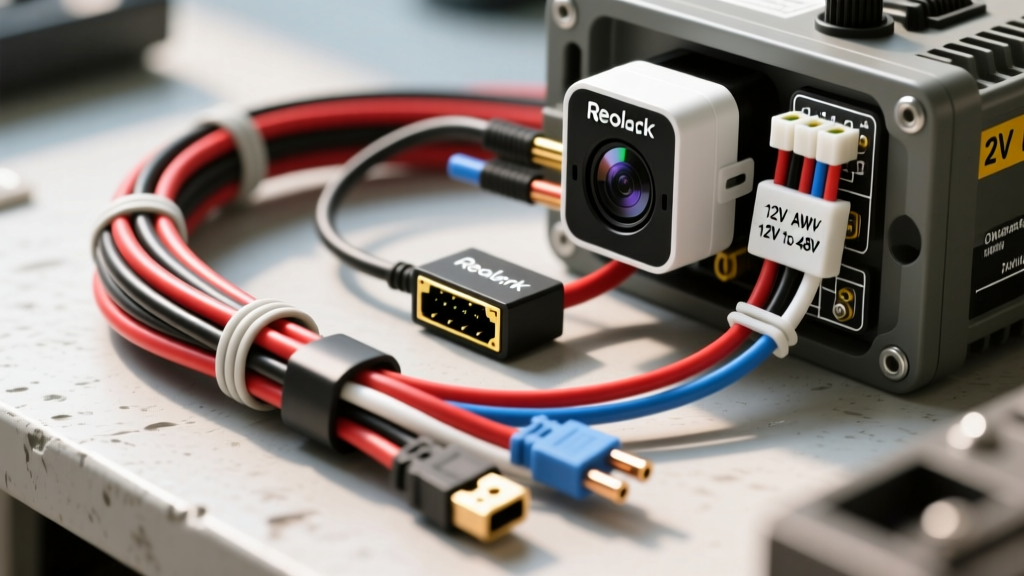
Understanding Reolink Power Requirements in Vehicles
Integrating high-resolution security and trail cameras into RVs, skoolies, and overland expedition trucks is a massive upgrade for off-grid situational awareness. Reolink cameras, particularly the CX810, Duo 3 PoE, and TrackMix series, are industry favorites due to their local NVR storage capabilities and lack of reliance on cloud subscriptions. However, a fundamental electrical mismatch exists: Reolink PoE (Power over Ethernet) cameras operate on 48V DC (IEEE 802.3af/at standards), while automotive and RV electrical systems operate on 12V or 24V DC.
For beginners, attempting a direct 12V tap to a standard Ethernet adapter will result in immediate failure. A proper Reolink camera installation in a vehicle requires a 12V-to-48V DC-DC PoE injector, precise wire gauge sizing to prevent voltage sag during infrared (IR) night-vision surges, and specialized shielded cabling to combat alternator electromagnetic interference (EMI). This guide covers the beginner-friendly fundamentals of hardwiring a Reolink PoE system into an automotive auxiliary battery setup.
The 12V to 48V PoE Challenge: Amperage and Surges
To wire your system correctly, you must first calculate the true current draw on your 12V automotive system. A standard Reolink Duo 3 PoE camera is rated for roughly 12W of continuous power consumption. However, this number is deceptive for automotive wiring.
- Continuous Draw: 12W / 48V = 0.25A on the PoE side.
- Inverter Efficiency Loss: DC-DC step-up injectors operate at roughly 85% efficiency. 12W / 0.85 = 14.1W required from the 12V source.
- Base 12V Amperage: 14.1W / 12.0V = 1.17A.
- The IR Surge Factor: When ambient light drops, the camera's IR LED array activates. This can spike power consumption by 40% to 60%. A 12W camera can momentarily pull up to 20W (approx. 1.66A to 2.5A depending on system voltage fluctuation).
If your wiring is undersized, this surge causes a voltage drop at the injector. If the injector's input voltage falls below its 10.5V threshold, it will reset, causing the camera to drop offline precisely when you need it most at night.
Essential Wiring Components & AWG Specifications
Automotive wiring must comply with standards like SAE J1128 for Low Tension Primary Cable, which dictates insulation thickness and temperature resistance. Do not use residential THHN copper wire; it lacks the vibration resistance and chemical shielding required for vehicle chassis routing.
| Wire Gauge (AWG) | Max Amperage (Chassis) | Max Run Length (2% Drop @ 2.5A) | Application |
|---|---|---|---|
| 18 AWG | 10A | 4 feet | Pigtails, fuse holders, short injector jumps |
| 16 AWG | 13A | 8 feet | Short runs from cabin fuse blocks |
| 14 AWG | 15A | 15 feet | Standard runs from Aux Battery to PoE Injector |
| 12 AWG | 20A | 25 feet | Long runs to rear bumpers or trailer hitches |
Note: Always size your wire based on the total round-trip distance (positive + negative leads), not just the one-way physical distance.
Step-by-Step Reolink Camera Installation Diagram & Routing
Step 1: Sourcing Clean 12V Power
Never tap into the vehicle's ignition or CAN-bus wiring for PoE cameras. The data noise and voltage fluctuations will degrade the injector's lifespan. Instead, source power directly from an auxiliary deep-cycle battery (LiFePO4 or AGM) or a dedicated auxiliary fuse block fed by a DC-DC charger.
- Install a 5A ATO/ATC blade fuse within 6 inches of the battery positive terminal. This protects the entire wire run in the event of a chassis short.
- Run 14 AWG Red (Positive) and 14 AWG Black (Negative) SAE J1128 primary wire through the firewall or chassis grommets. Use split-loom corrugated tubing to protect against abrasion.
Step 2: Wiring the 12V to 48V PoE Injector
Mount the DC-DC PoE injector in a climate-controlled, dry area (e.g., under a dinette bench or inside an interior electronics cabinet). Automotive-grade injectors (like those from Alfatronix or Kisae) are potted in resin to survive vibration and humidity.
- Connect 14 AWG Red to the Injector 12V IN (+) terminal.
- Connect 14 AWG Black to the Injector 12V IN (-) terminal.
- Secure with ferrule crimps to prevent stray copper strands from causing a short.
Step 3: Shielded Ethernet Routing & Grounding
This is where most beginner installations fail. Vehicles are massive generators of EMI. The alternator, ignition coils, and inverter cables emit high-frequency noise that will corrupt unshielded Ethernet data packets, resulting in video tearing, macro-blocking, or total link loss.
You must use S/FTP (Shielded Foiled Twisted Pair) CAT6 cable with a continuous braided shield and an internal drain wire. Furthermore, you must use shielded RJ45 connectors with metal outer shells.
The Ground Loop Trap: How to Terminate the Drain Wire
A critical rule in automotive AV and data wiring: Only ground the Ethernet shield at one end. If you ground the shield at both the PoE injector and the camera housing, and those two grounds have different electrical potentials (common in long RV chassis runs), current will flow through the Ethernet shield. This creates a ground loop, introducing severe static and potentially frying the camera's internal PoE circuit.
- At the PoE Injector end, terminate the shield's bare drain wire into the metal shell of the RJ45 connector.
- At the Camera end, trim the drain wire flush, wrap it in heat-shrink tubing, and isolate it from the camera's RJ45 port. The camera will ground itself via its mounting bracket to the chassis.
Ethernet Pinouts and Vibration Considerations
Standard PoE (802.3af Alternative A) delivers 48V DC over the data pairs. According to Reolink's official PoE specifications, the pinout for standard T568B wiring applies power and data simultaneously:
| RJ45 Pin | Wire Color (T568B) | Function |
|---|---|---|
| 1 | White/Orange | Data + / 48V DC (+) |
| 2 | Orange | Data - / 48V DC (+) |
| 3 | White/Green | Data + / 48V DC (-) |
| 4 | Blue | Unused (Spare) |
| 5 | White/Blue | Unused (Spare) |
| 6 | Green | Data - / 48V DC (-) |
| 7 | White/Brown | Unused (Spare) |
| 8 | Brown | Unused (Spare) |
Crucial Automotive Warning: Never use solid-core CAT6 cable in a vehicle. Solid copper cores are designed for static residential walls. The constant micro-vibrations and chassis flexing of a moving vehicle will cause solid-core wires to work-harden, micro-fracture, and eventually snap inside the RJ45 jacket. Always purchase stranded-core shielded CAT6 (often marketed as marine or industrial Ethernet) for any mobile Reolink camera installation.
Common Automotive Failure Modes & Troubleshooting
Even with perfect planning, mobile environments present unique electrical challenges. Use this diagnostic tree to resolve common post-installation issues.
| Symptom | Probable Cause | Expert Fix |
|---|---|---|
| Camera boots in daylight, drops offline at dusk. | IR LED activation causes a 2A+ surge, dropping injector input voltage below 10.5V due to undersized 12V feed wire. | Upgrade 12V feed to 12 AWG. Move PoE injector physically closer to the aux battery to reduce round-trip resistance. |
| Video feed shows horizontal rolling bars or static. | Alternator whine / EMI interference corrupting data packets via unshielded cable or ground loops. | Verify S/FTP CAT6 is used. Ensure drain wire is grounded ONLY at the injector RJ45 shell, not at the camera end. |
| Link light is on, but NVR shows 'Network Timeout'. | Micro-fractures in solid-core Ethernet wire due to chassis vibration, causing intermittent packet loss. | Re-terminate both ends using stranded-core marine CAT6. Perform a cable certification test with a Fluke Networks tester if available, referencing shielded termination best practices. |
| Injector gets excessively hot to the touch. | Injector is undersized for the camera load, or ambient cabinet temperature exceeds 104°F (40°C). | Ensure injector is rated for at least 30W (802.3at). Relocate to a ventilated area away from inverters and solar charge controllers. |
Final Verification Steps
Before sealing up panels and mounting the Reolink camera to the exterior skin of your RV or truck, perform a bench test. Wire the injector, plug in a 10-foot patch cable, and power the camera. Cover the camera's ambient light sensor with your hand to force the IR LEDs to engage. Use a multimeter at the injector's 12V input terminals to monitor the voltage. If the voltage remains stable above 11.5V during the IR surge, your wire gauge is sufficient, and your Reolink camera installation is ready for the road.