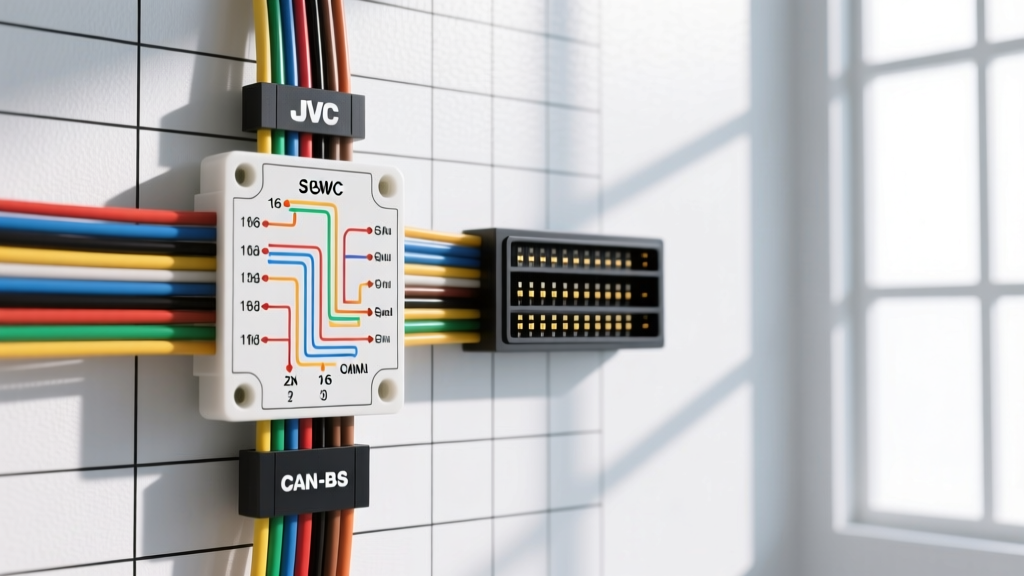
Advanced Architecture: Decoding the JVC 16-Pin Harness
Integrating modern multimedia receivers requires more than matching red-to-red and yellow-to-yellow. When analyzing an advanced wiring diagram for JVC radio head units (specifically the KW-M, KW-V, and KD-X series), technicians must account for high-current memory circuits, CAN-bus data gates, and proprietary steering wheel control (SWC) protocols. Standard aftermarket harnesses often fail to address the voltage drop across extended wire runs or the specific wake-signal requirements of modern vehicle networks.
Below is the comprehensive pinout specification for the primary 16-pin JVC power and speaker harness. Note that JVC utilizes slightly heavier gauge wiring for the primary power legs compared to legacy ISO standards to support high-wattage internal amplifiers (typically 4 x 50W RMS).
| Pin | Wire Color | Function | AWG | Technical Notes & Tolerances |
|---|---|---|---|---|
| 1 | Yellow | +12V Constant (Memory) | 14 AWG | Must maintain >11.8V under cranking load to prevent ECU reset. |
| 2 | Red | +12V Accessory (Ignition) | 14 AWG | Switched 12V. Do not splice into high-current ignition coils. |
| 3 | Black | Chassis Ground | 14 AWG | Crimp to bare metal. Max allowable voltage drop: 0.1V. |
| 4 | Blue/White | System Remote Turn-On | 18 AWG | Max current output: 300mA. Requires relay for multi-amp setups. |
| 5 | Orange/White | Illumination / Dimmer | 18 AWG | Variable voltage (0V-12V) or discrete 12V trigger depending on vehicle. |
| 6 | Brown | Phone Mute / Tel Mute | 18 AWG | Ground to mute. Rarely used in modern Bluetooth integrations. |
| 7 | Purple | Rear Right Speaker (+) | 16 AWG | Internal amp output. Do not ground to chassis. |
| 8 | Purple/Black | Rear Right Speaker (-) | 16 AWG | Bridgeable for mono subwoofer output on select KD models. |
| 9 | Green | Rear Left Speaker (+) | 16 AWG | Phase-sensitive. Reverse polarity causes bass cancellation. |
| 10 | Green/Black | Rear Left Speaker (-) | 16 AWG | Keep parallel to (+) wire to minimize inductive noise. |
| 11 | White | Front Left Speaker (+) | 16 AWG | Standard front stage output. |
| 12 | White/Black | Front Left Speaker (-) | 16 AWG | Do not splice into OEM amplified systems without line output converters. |
| 13 | Gray | Front Right Speaker (+) | 16 AWG | Standard front stage output. |
| 14 | Gray/Black | Front Right Speaker (-) | 16 AWG | Ensure OEM premium amp bypass if present. |
| 15 | Not Used | Blank / Reserved | N/A | Reserved for proprietary JVC diagnostic bus. |
| 16 | Not Used | Blank / Reserved | N/A | Reserved for proprietary JVC diagnostic bus. |
CAN-Bus Integration and the Maestro RR Data Port
In late-model vehicles (2015+ GM, Ford, and FCA), the traditional red accessory wire no longer exists. The vehicle relies on a CAN-bus network to broadcast ignition status. To interface a JVC radio with these networks, technicians utilize an integration module like the iDatalink Maestro RR. The iDatalink Maestro RR Integration Portal provides the definitive flashing protocols for these data bridges.
The JVC KW-M series features a proprietary 4-pin data port on the rear chassis specifically for CAN-bus communication. Miswiring this port will result in a failure to boot, parasitic battery drain, or a complete lockup of the vehicle's body control module (BCM).
JVC 4-Pin Data Port Pinout (Maestro RR Compatible)
- Pin 1 (CAN-H): Green wire. Carries the dominant high-level CAN signal. Must be routed away from high-voltage ignition wires to prevent electromagnetic interference (EMI). Refer to SAE J1939 CAN-Bus Network Standards for proper twisted-pair routing.
- Pin 2 (CAN-L): Green/Black wire. Carries the recessive low-level signal. Must remain twisted with CAN-H at a rate of 1 twist per inch.
- Pin 3 (12V Wake): Red wire. Provides a discrete +12V wake signal from the Maestro module to the JVC radio, simulating the traditional accessory wire.
- Pin 4 (Signal Ground): Black wire. Establishes a common ground reference between the data module and the head unit to prevent data packet corruption.
Steering Wheel Control (SWC) Circuit Architecture
Modern JVC head units support both analog resistive ladder SWC inputs and digital CAN-bus SWC commands. For analog vehicles, the wiring diagram for JVC radio SWC integration centers on a 3.5mm TRS (Tip-Ring-Sleeve) jack located on the rear harness.
3.5mm SWC Jack Pinout and Resistance Mapping
When hardwiring an analog SWC interface (such as the Axxess ASWC-1), you must map the vehicle's resistive outputs to the JVC's expected thresholds. The Mobile Electronics Certification Program (MECP) recommends using a digital multimeter to verify resistance values before finalizing solder joints.
| 3.5mm Jack Segment | JVC Designation | Expected Resistance Range | Typical Function Mapping |
|---|---|---|---|
| Tip | SW1 (Key 1) | 0Ω - 1,500Ω | Volume Up / Down / Source |
| Ring | SW2 (Key 2) | 1,500Ω - 5,000Ω | Seek / Track / Voice Command |
| Sleeve | Signal Ground | 0Ω (Continuity) | Common Ground Reference |
Expert Troubleshooting Tip: If the JVC radio registers button presses erratically, the issue is rarely the head unit. It is almost always a voltage drop on the SWC ground circuit. Splice the SWC ground directly into the radio's main 14 AWG black ground wire, rather than relying on a thin 20 AWG wire tapped behind the dash.
High-Current Amplifier Turn-On and Relay Architecture
A critical failure point in advanced audio builds is the overloading of the JVC radio's internal remote turn-on circuit. Pin 4 (Blue/White wire) on the 16-pin harness is rated for a maximum continuous draw of 300mA. A single standard amplifier relay draws approximately 150mA. If your build includes a DSP, a 4-channel door amplifier, and a monoblock subwoofer amplifier, the combined coil draw will exceed 450mA, eventually burning out the surface-mount transistor inside the JVC radio.
Proper Relay Wiring Diagram for Multi-Amp Setups
To protect the JVC head unit, you must implement an ISO mini automotive relay (30A/40A rated) as a distribution block for the turn-on signal.
- Relay Pin 86 (Coil +): Connect to JVC Pin 4 (Blue/White). This triggers the relay coil using less than 150mA.
- Relay Pin 85 (Coil -): Connect to a clean chassis ground.
- Relay Pin 30 (Common): Connect to a fused +12V constant source (directly from the main 1/0 AWG distribution block).
- Relay Pin 87 (Normally Open): Distribute this output to the remote turn-on terminals of all amplifiers and DSPs using a secondary distribution block with 18 AWG jumper wires.
This architecture ensures the JVC radio only supplies the minimal current required to energize the relay coil, while the heavy lifting of powering the amplifier wake circuits is handled by the vehicle's main battery feed.
Galvanic Isolation and Ground Loop Prevention
When utilizing the JVC radio's 5-Volt RCA preouts for external amplification, alternator whine is a common complaint. This occurs when the 14 AWG ground wire for the JVC radio and the heavy-gauge ground wire for the amplifiers are terminated at different points on the chassis, creating a ground loop.
To resolve this, the wiring diagram must be treated as a unified system. Run the JVC's 14 AWG black ground wire back to the main amplifier ground distribution block. By establishing a single, star-ground topology, you eliminate the potential difference between the head unit's audio ground and the amplifier's audio ground, ensuring a pristine signal-to-noise ratio (SNR) across the entire frequency spectrum.