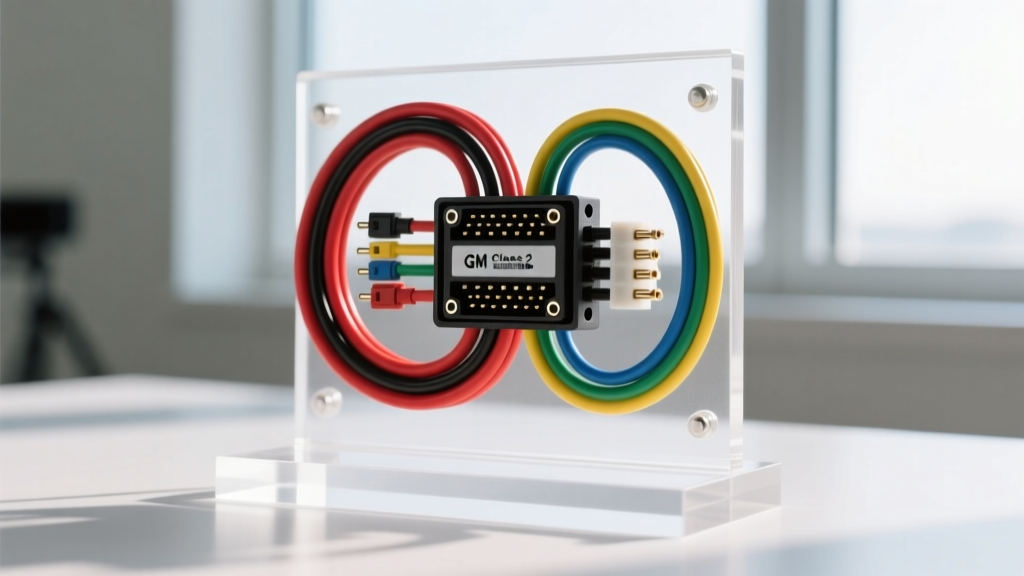
Understanding the GMT900 Radio Harness Architecture
The 2007 model year marked a massive generational shift for Chevrolet trucks, introducing the GMT900 platform. While the exterior styling and chassis were heavily upgraded, the most significant changes for car audio enthusiasts happened beneath the dash. The 2007 Chevy Silverado radio wiring harness is fundamentally different from the older GMT800 trucks (1999-2006). In 2007, GM fully integrated the factory head unit into the vehicle's Class 2 Serial Data network.
This means your factory radio is no longer just a standalone audio device; it is a recognized module on the truck's computer network. It handles vehicle identification (VIN retention), generates interior warning chimes (door ajar, seatbelt unbuckled), and communicates with the Body Control Module (BCM) to manage Retained Accessory Power (RAP). Because of this deep integration, you cannot simply cut the factory harness and splice in an aftermarket radio. Doing so will not only silence your vehicle's warning chimes but can also trigger BCM fault codes and cause severe parasitic battery drains.
The "Missing" Ignition Wire Dilemma
The number one mistake beginners make when tackling a 2007 Chevy Silverado radio wiring harness swap is looking for the traditional 12V Accessory (Ignition) wire. In older vehicles, a red wire would provide 12V when the key was turned to the "ACC" or "RUN" position, telling the radio to turn on.
The 2007 Silverado does not have a dedicated 12V ignition wire at the radio connector.
Instead, the factory radio receives a digital "wake-up" command via the Class 2 Serial Data bus (conforming to the SAE J1850 VPW Standard). When you turn the key, the BCM sends a data packet to the radio telling it to power up. If you wire an aftermarket radio using only constant 12V and ground, the radio will turn on, but the factory external amplifier (if equipped with the Bose Premium Audio RPO UQA) will remain asleep, resulting in zero sound output. Furthermore, without the RAP data signal, the aftermarket radio will stay on indefinitely after you remove the key, killing your truck's battery overnight.
OEM 24-Pin LAN Connector Pinout Reference
The 2007 Silverado utilizes the standard GM 24-pin LAN connector (manufactured by Delphi/Packard). Below is the critical pinout data you need to verify your harness adapter is communicating correctly. Always use a digital multimeter (DMM) to verify voltages before connecting your adapter.
| Pin Number | Function | Wire Color | Voltage / Signal Type |
|---|---|---|---|
| Pin 1 | Left Front Speaker (+) | Tan | Audio Signal (or Line-Level if Bose) |
| Pin 2 | Left Front Speaker (-) | Gray | Audio Signal |
| Pin 3 | Right Front Speaker (+) | Light Green | Audio Signal |
| Pin 4 | Right Front Speaker (-) | Dark Green | Audio Signal |
| Pin 8 | Chassis Ground | Black/White | 0V (Verify continuity to chassis) |
| Pin 9 | Left Rear Speaker (+) | Brown | Audio Signal |
| Pin 10 | Left Rear Speaker (-) | Dark Blue | Audio Signal |
| Pin 11 | Right Rear Speaker (+) | Light Blue | Audio Signal |
| Pin 12 | Right Rear Speaker (-) | Purple | Audio Signal |
| Pin 16 | +12V Constant Battery | Orange | 12.2V - 12.6V (Direct from BCM) |
| Pin 17 | Class 2 Serial Data | Dark Green | 0-7V PWM Digital Data |
| Pin 19 | Steering Wheel Controls (SWC) | Light Green/Black | Variable Resistance / Data |
Note: If your Silverado is equipped with the Bose amplifier, the speaker wires listed above carry low-level (line-level) pre-amplified signals. Your aftermarket adapter must be specifically designed to handle amplified or line-level outputs to prevent severe audio distortion.
Selecting the Correct Data-Bus Adapter
Because of the Class 2 data integration, a basic $15 wiring harness adapter from a local auto parts store will not work. You must use an active data-bus interface module. These modules plug into the factory 24-pin connector, read the GM Class 2 data stream, and generate a traditional 12V Accessory output wire for your aftermarket radio.
- For Non-Amplified Systems (Base Audio): Modules like the PAC RP5-GM11 or Axxess GMOS-LAN-04 will intercept the data, provide the 12V accessory output, and retain the factory door chimes and OnStar functionality.
- For Amplified Systems (Bose RPO UQA): You need an adapter specifically labeled for "Amplified GM Systems." These adapters include a built-in line-output converter or balanced input stage to match the impedance of the aftermarket head unit's RCA pre-outs to the factory Bose amplifier's inputs.
When selecting an adapter, ensure it supports Retained Accessory Power (RAP). RAP keeps the radio powered after you turn off the engine until you open the driver's door. A quality data adapter will read the "door open" CAN/GMLAN message and cut the 12V accessory output to your aftermarket radio, preventing battery drain.
Step-by-Step Harness Integration
Follow these steps to ensure a safe, reliable installation that adheres to automotive electrical standards.
1. Dash Disassembly and Safety
Disconnect the negative battery terminal (10mm nut) and wait 5 minutes for the BCM to enter sleep mode. The GMT900 dash bezel is held in place by heavy-duty friction clips. Use a nylon trim pry tool to gently pop the bezel off, starting from the bottom near the ashtray and working up to the defroster vents. Once the bezel is removed, you will see four 7mm hex-head bolts securing the factory radio to the metal sub-dash.
2. Pre-Wiring the Adapter Harness
Do not wire the adapter inside the cramped radio cavity. Connect your data adapter to the aftermarket radio's harness on a workbench. According to GM Upfitter Electrical Guidelines, you should never use twist-on wire nuts or standard vinyl electrical tape for in-dash connections, as the temperature fluctuations will cause the adhesive to fail and wires to short.
3. Wire Gauge and Crimping Standards
- Speaker Wires: Use 18 AWG stranded copper. The factory harness uses 18 AWG, and stepping down to a smaller gauge will introduce resistance and degrade audio quality.
- Power and Ground: The data adapter requires a robust power source to run its internal microprocessors and trigger external relays. Use 12 AWG wire for the adapter's main 12V constant and ground connections.
- Termination: Use adhesive-lined heat shrink butt connectors. The heat-activated glue inside the shrink tube creates a waterproof, vibration-proof seal that meets SAE J1128 low-tension wire standards.
4. Final Connection
Plug the adapter's GM 24-pin connector into the truck's factory harness. Route the data module behind the radio cavity, ensuring it does not block the HVAC blend door actuators. Secure the module with double-sided automotive foam tape to prevent rattling. Connect the antenna, slide the new radio into the DIN sleeve, and reconnect the battery.
Real-World Troubleshooting & Failure Modes
Even with the right parts, beginners often encounter specific issues when swapping the 2007 Silverado radio harness. Use this diagnostic tree to solve them:
Symptom: Radio turns on, but there is absolutely no sound.
- Cause: The factory external amplifier is not turning on, or the adapter is not sending the pre-amp signal correctly.
- Fix: Check the Blue/White "Amp Turn-On" wire on your aftermarket adapter. Ensure it is connected to the "System Remote Control" wire on the data module. If you have the Bose system, verify that your aftermarket radio's RCA pre-outs are plugged into the adapter's input jacks, and that the adapter's gain dip-switches are set to "Line Level".
Symptom: The truck battery dies overnight.
- Cause: The data adapter is failing to read the RAP shut-off command, keeping the aftermarket radio powered 24/7.
- Fix: First, verify that Pin 17 (Dark Green Class 2 Data) is fully seated in the 24-pin connector. A pushed-back pin is the most common cause of data loss. If the pin is secure, the data module may need a firmware update via its USB port to recognize the specific BCM calibration of your 2007 Silverado.
Symptom: Steering wheel volume buttons do not work.
- Cause: The SWC wires were not connected, or the aftermarket radio requires a secondary SWC interface (like the PAC SWI-RC or Axxess ASWC-1).
- Fix: The 2007 Silverado uses a resistive ladder network for steering wheel controls (Pin 19). Many modern data adapters include built-in SWC decoding. Check your adapter's manual to see if it outputs a 3.5mm SWC jack or if it requires hardwiring the SWC data wire directly to the aftermarket head unit's "SWC Input" port. For deeper integration details, refer to Crutchfield's Installation Guides regarding GM resistive steering wheel networks.
By respecting the GMT900 data architecture and using the correct active interface module, your 2007 Chevy Silverado radio wiring harness swap will result in a clean, fully integrated audio upgrade that retains all factory safety and convenience features.