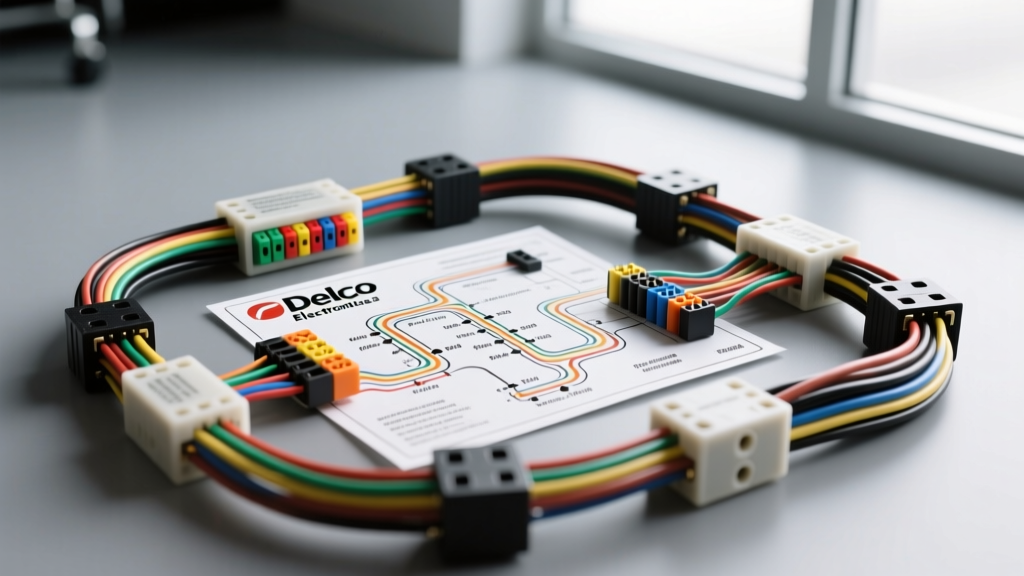
The Legacy of Delco Electronics in GM Vehicles
For decades, Delco Electronics (later Delphi, and integrated into modern GM supply chains) was the undisputed titan of factory automotive audio and electrical systems. If you are performing an upgrade or modification project on a classic or early-2000s General Motors vehicle—ranging from the GMT800 Silverado and the C5 Corvette to the W-body Pontiac Grand Prix and Chevrolet Impala—you will inevitably confront a Delco Electronics radio wiring diagram. These factory systems were robust, but integrating modern aftermarket head units, DSPs, or high-output amplifiers requires a precise understanding of GM's proprietary wiring architecture.
Unlike standard DIN aftermarket harnesses that follow the EIA color code, Delco utilized specific GM OEM color codes, proprietary multi-pin connectors, and eventually, complex serial data networks. Misinterpreting a Delco schematic can lead to blown BCMs (Body Control Modules), parasitic battery draws, or the loss of critical vehicle chimes and Retained Accessory Power (RAP). This guide provides the exact pinouts, AWG upgrade specifications, and data-bus integration strategies required to successfully modify a Delco-equipped GM vehicle.
Decoding the Delco Electronics Radio Wiring Diagram
The standard non-amplified Delco head unit (common in base-model GMT800 trucks and mid-90s sedans) typically relies on a 16-pin C1 connector for primary power, ground, and speaker outputs. When executing an audio upgrade, you must map the factory Delco wires to your aftermarket harness or data interface module.
Standard GM Delco 16-Pin (C1) Connector Pinout
| Pin | Wire Color | Function | Upgrade Note |
|---|---|---|---|
| A1 | Orange | +12V Constant (Battery) | Connect to aftermarket Yellow (Memory). |
| A2 | Yellow / Pink | +12V Switched (Ignition) | Connect to aftermarket Red. (Pink in later models). |
| A12 | Black | Chassis Ground | Verify continuity. Upgrade to 12 AWG for high-draw units. |
| B1 | Tan | Left Front Speaker (+) | Standard GM speaker positive. |
| B2 | Gray | Left Front Speaker (-) | Standard GM speaker negative. |
| B3 | Light Green | Right Front Speaker (+) | Standard GM speaker positive. |
| B4 | Dark Green | Right Front Speaker (-) | Standard GM speaker negative. |
| B5 | Brown | Left Rear Speaker (+) | Standard GM speaker positive. |
| B6 | Yellow | Left Rear Speaker (-) | Standard GM speaker negative. |
| B7 | Dark Blue | Right Rear Speaker (+) | Standard GM speaker positive. |
| B8 | Light Blue | Right Rear Speaker (-) | Standard GM speaker negative. |
| C1 | Gray | Dash Illumination | Connect to aftermarket Orange/White for dimming. |
Note: Always verify pinouts with a digital multimeter (DMM) before cutting factory wires. GM occasionally shifted pin locations between model years, particularly during the transition from Delco to Delphi manufacturing.
Power and Ground Distribution: AWG Upgrade Specifications
Factory Delco wiring was engineered to supply roughly 5 to 8 amps, sufficient for a basic 4x15W internal amplifier. Modern aftermarket head units with 4x50W MOSFETs or external DSPs require significantly more current. Relying on the factory 18 AWG Orange (constant) and Yellow (switched) wires will result in voltage sag, headlight dimming, and amplifier clipping.
Recommended AWG Upgrade Chart for Audio Modifications
| Component | Max Draw | Recommended Wire Gauge | Fusing Requirement |
|---|---|---|---|
| Aftermarket Head Unit | 15A - 20A | 12 AWG OFC | 15A Mini-Blade (within 18" of battery) |
| Class D Mono Amp (Sub) | 40A - 80A | 8 AWG or 4 AWG OFC | 60A-80A ANL/MIDI Fuse |
| Multi-Channel Amp (Full) | 30A - 50A | 8 AWG OFC | 40A-50A AGU/ANL Fuse |
| Chassis Ground (All) | Varies | Match Power Wire Size | N/A (Secure to bare metal) |
When upgrading the ground, do not simply bolt a ring terminal over factory paint or powder coating. Use 80-grit sandpaper to expose bare steel, apply a conductive anti-oxidant paste, and torque the M6 or 1/4-20 grounding bolt to 5-7 Nm. A poor ground is the primary cause of alternator whine in modified GM audio systems.
The Class 2 Data Line: The GM Modification Hurdle
The most complex aspect of any Delco Electronics radio wiring diagram from the late 1990s through the 2000s is the integration of the SAE J1850 VPW (Variable Pulse Width) Class 2 serial data bus. In GM vehicles, the radio is not just an audio source; it is a node on the vehicle's communication network. The Class 2 data wire (typically Yellow in the 24-pin C2 connector) dictates Retained Accessory Power (RAP), steering wheel audio controls, OnStar integration, and even door chime routing.
If you cut the Class 2 data line or simply wire an aftermarket radio using a basic 12V switched ignition wire, you will trigger a P1626 OBD-II code (Theft Deterrent Fuel Enable Signal Not Received) in some vehicles, and your radio will shut off the moment you turn the key to the "Off" position, ignoring the RAP feature that normally keeps the radio on until the door opens.
The Solution: You must use a Class 2 Data Bus Interface module (such as the PAC RP5-GM11 or Axxess GMOS-04). These modules intercept the Delco data stream, translate the RAP and OnStar signals, and output a standard +12V switched wire and RCA pre-outs for your aftermarket equipment. For deeper technical standards regarding this protocol, refer to the SAE J1850 Class B Data Communications Network Interface specifications.
Step-by-Step Aftermarket Integration Guide
Phase 1: Bypassing the Factory Delco/Bose Amplifier
If your vehicle is equipped with a premium Delco or Bose amplified system, the speaker wires at the head unit carry low-level (2V) or high-level (8V) pre-amplified signals, not standard speaker-level outputs. Feeding these into an aftermarket head unit's speaker-level inputs will destroy the internal MOSFETs.
- Locate the Factory Amp: Usually found under the center console, behind the passenger kick panel, or in the trunk/hatch.
- Identify the C3 Connector: This carries the speaker outputs to the doors.
- Re-pin or Splice: For a clean install, de-pin the factory connector and wire your new 14 AWG speaker wire directly to the harness running to the door speakers, bypassing the factory amp entirely.
- Alternative: Use a data interface module with built-in line output converters (LOC) that plugs directly into the C1/C2/C3 connectors and provides clean RCA outputs for your aftermarket amplifiers.
Phase 2: Securing the Wiring and Final Testing
Route all RCA signal cables down the driver's side of the vehicle, and all 12V power cables down the passenger side to prevent electromagnetic interference (EMI). When passing through the firewall, use a factory rubber grommet (often located behind the brake booster or passenger strut tower) and protect the wire with a T-fitting or split loom. Always consult GM Upfitter Body Builder Manuals for specific firewall pass-through locations and BCM integration warnings for your exact VIN.
Troubleshooting Common Delco Wiring Faults
Even with a perfect wiring diagram, GM vehicles present unique electrical quirks. Use this diagnostic tree to resolve common post-upgrade issues.
| Symptom | Probable Cause | Technical Fix |
|---|---|---|
| Radio turns off immediately when key is removed. | Missing or unconfigured RAP signal from Class 2 Data bus. | Install a PAC/Axxess data interface module. Do not rely on the ignition cylinder 12V wire. |
| High-pitched alternator whine that revs with engine. | Ground loop caused by shared factory ground or painted chassis contact. | Run dedicated 12 AWG ground wire from head unit amp chassis to a verified bare-metal chassis point. Check RCA shielding. |
| Door chimes and OnStar audio missing after upgrade. | Factory speaker outputs for chimes were bypassed or data module not programmed. | Ensure the data interface module's "Chime" RCA or speaker-level outputs are wired into the front left/right speaker channels. |
| Head unit reboots during heavy bass hits. | Voltage drop on factory 18 AWG Orange constant power wire. | Run new 12 AWG OFC power wire directly from the battery with an inline fuse, bypassing the factory fuse block. |
Conclusion and Professional Best Practices
Successfully modifying a vehicle equipped with a Delco Electronics system requires respecting the integration between the audio head unit and the vehicle's broader electrical architecture. By utilizing the correct pinouts, upgrading power delivery with appropriate AWG wiring, and properly managing the SAE J1850 Class 2 data bus, you can achieve modern, high-fidelity audio without sacrificing factory conveniences or triggering BCM faults. Always verify your specific vehicle's wiring schematic via resources like Crutchfield's GM Installation Guides or factory service manuals before applying power to your new system.