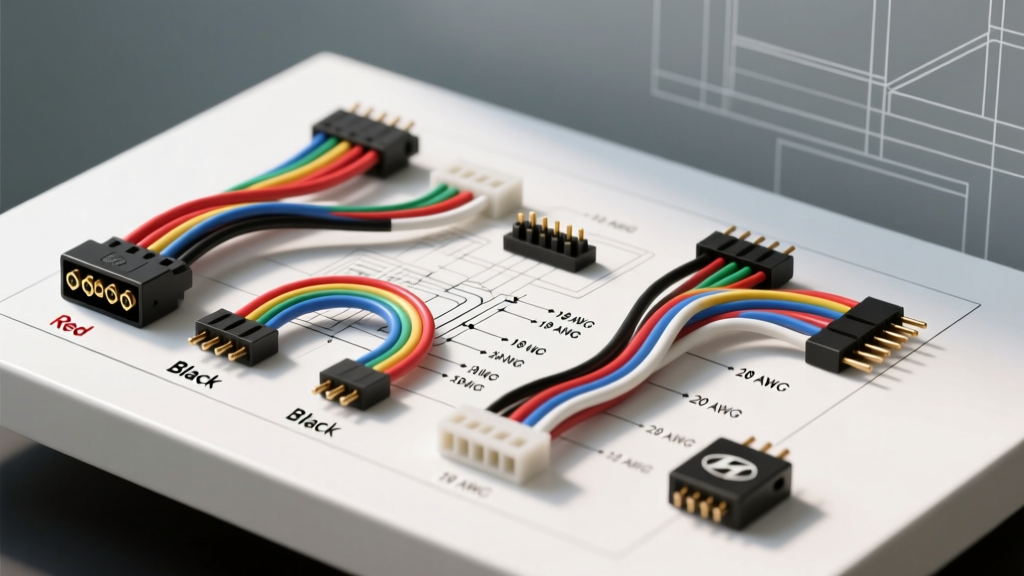
Mastering the Hyundai 20-Pin and 16-Pin Audio Harnesses
Upgrading the factory audio system in modern Hyundai vehicles requires a precise understanding of the proprietary wiring architecture. Whether you are working on a 2011-2016 Elantra, a Sonata, or a Tucson, the factory head unit relies on a high-density 20-pin or split 16-pin/8-pin connector rather than standard ISO plugs. Understanding the exact color codes Hyundai stereo wiring diagram mappings is critical to avoid blowing the factory CAN-bus circuit or frying your new aftermarket receiver. This practical installation guide details the pinout configurations, wire gauge requirements, and step-by-step integration methods for a flawless audio upgrade.
Hyundai 20-Pin Connector: OEM to Aftermarket Adapter Color Codes
The most common connector found in Hyundai's mainstream lineup from 2010 to 2018 is the 20-pin block. When using a standard aftermarket wiring adapter (such as the Metra 70-1004 or Axxess HY-10), the adapter translates the OEM signals into the universal EIA (Electronic Industries Alliance) color standard. Below is the definitive reference chart for bench-wiring your adapter harness to the new head unit.
| Pin | Function | Adapter Wire Color (EIA) | Recommended AWG | Notes / Specifications |
|---|---|---|---|---|
| 1 | B+ 12V Constant | Yellow | 18 AWG | Direct to battery via adapter; maintains radio memory. |
| 2 | ACC 12V Switched | Red | 18 AWG | Triggered by ignition cylinder or CAN-bus module. |
| 3 | Chassis Ground | Black | 18 AWG | Must be grounded to vehicle chassis if adapter lacks pin. |
| 4 | Illumination | Orange | 20 AWG | Dimmer circuit; do not connect to 12V constant. |
| 5 | Amp Turn-On / P. Ant | Blue/White | 18 AWG | Provides +12V remote signal to factory or aftermarket amps. |
| 6 | Left Front (+) | White | 18 AWG | Standard EIA speaker phase. |
| 7 | Left Front (-) | White/Black | 18 AWG | Do not ground speaker negatives in Hyundai systems. |
| 8 | Right Front (+) | Gray | 18 AWG | Standard EIA speaker phase. |
| 9 | Right Front (-) | Gray/Black | 18 AWG | Verify with DMM for 4-ohm impedance. |
| 10 | Left Rear (+) | Green | 18 AWG | Rear deck or rear door speaker. |
| 11 | Left Rear (-) | Green/Black | 18 AWG | Standard EIA speaker phase. |
| 12 | Right Rear (+) | Purple | 18 AWG | Standard EIA speaker phase. |
| 13 | Right Rear (-) | Purple/Black | 18 AWG | Standard EIA speaker phase. |
Note: OEM wire colors at the factory plug vary by model year and trim level. Always rely on the adapter harness pin mapping rather than attempting to splice directly into the factory loom based on visual wire colors.
Step-by-Step Installation: Using the Wiring Diagram
Step 1: Dash Disassembly and Harness Access
Begin by disconnecting the negative battery terminal using a 10mm socket to prevent shorting the CAN-bus lines. Use a nylon trim removal tool to pop the climate control bezel and center console trim. Hyundai secures the factory radio brackets with four 10mm bolts. Once removed, you will see the 20-pin audio connector and a separate antenna lead. Press the locking tab on the 20-pin connector firmly before pulling to avoid damaging the terminal pins.
Step 2: Bench Wiring the Adapter Harness
Never wire the adapter harness inside the dark, confined space of the dashboard. Bring the aftermarket head unit, the wiring adapter, and your tools to a clean workbench. Strip exactly 5/16-inch of insulation from the adapter and radio wires using 18 AWG notches on your wire strippers. Connect the wires using the EIA color codes listed in the table above.
For a professional-grade connection, avoid twist-on caps or T-taps. Use Mil-spec solder seal wire connectors or traditional rosin-core soldering followed by adhesive-lined polyolefin heat shrink tubing. The adhesive lining melts and seals the connection against moisture and oxidation, which is vital for long-term reliability in automotive environments.
Step 3: Multimeter Verification
Before plugging the adapter into the vehicle, set your Digital Multimeter (DMM) to the 20V DC setting. Reconnect the vehicle battery temporarily. Probe the Yellow (B+) and Black (Ground) wires on the vehicle-side connector; you should read 12.2V to 12.6V. Turn the ignition to the ACC position and probe the Red wire; it should also read 12V. This confirms the factory fuse and ignition relay are intact before you connect your new head unit.
Amplifier Integration and Subwoofer Routing
If your installation includes an aftermarket amplifier, you will need to route power and remote turn-on wires. The Blue/White wire (Pin 5) on your adapter harness provides the +12V remote turn-on signal. Connect this to a 18 AWG relay trigger wire that runs to your amplifier's REM terminal.
For the main power wire, use 4 AWG or 8 AWG OFC (Oxygen Free Copper) wire. Avoid CCA (Copper Clad Aluminum) wire, as it has higher resistance and is prone to voltage drop and heat buildup, violating SAE J1128 low-tension primary cable safety standards for high-current automotive applications. Route the power wire through the main firewall grommet located behind the driver-side strut tower. Use a fiberglass fish tape and apply dielectric grease to the wire to protect the rubber grommet seal from tearing and to prevent water intrusion into the cabin.
Troubleshooting Common Hyundai Audio Electrical Issues
Even with a perfect color codes Hyundai stereo wiring diagram reference, installation anomalies can occur. Use this decision tree to diagnose common problems.
- Symptom: Radio turns on, but there is no audio from any speaker.
Cause: The vehicle is equipped with a factory external amplifier (common in Sonata Limited or Santa Fe Premium trims), and the amplifier is not turning on or the signal is not bypassed.
Fix: Ensure the Blue/White wire is connected to Pin 5 to trigger the factory amp. If the factory amp uses proprietary balanced line-level signals, you must install a line-output converter or a specific bypass interface like the PAC AFD-12 to feed your aftermarket head unit's preouts to the factory amp. - Symptom: Radio loses presets and clock settings every time the car is turned off.
Cause: The Yellow (Constant 12V) and Red (Switched 12V) wires are swapped at the adapter harness.
Fix: Cut the connections, swap the Yellow and Red wires, and re-solder. Hyundai's switched and constant circuits are strictly isolated; reversing them will drain the battery or kill the memory circuit. - Symptom: Alternator whine (high-pitched noise) increases with engine RPM.
Cause: Ground loop caused by poor chassis grounding or routing RCA cables parallel to the main power wire.
Fix: Scrape away all paint and primer from the chassis grounding point for the amplifier. Ensure RCA signal cables are routed down the opposite side of the vehicle's center console from the 4 AWG power wire.
Authoritative References and Fitment Data
When planning your installation, always cross-reference your specific VIN and trim level. Wiring can change mid-generation based on the inclusion of features like BlueLink or Infinity premium audio systems. For verified harness adapters and vehicle-specific dash kits, consult the Metra Electronics Vehicle Fitment Database. For comprehensive electrical standards regarding wire gauge and thermal ratings in automotive environments, refer to the SAE International J1128 Standard. Proper adherence to these diagrams and standards ensures a safe, reliable, and high-fidelity audio upgrade.