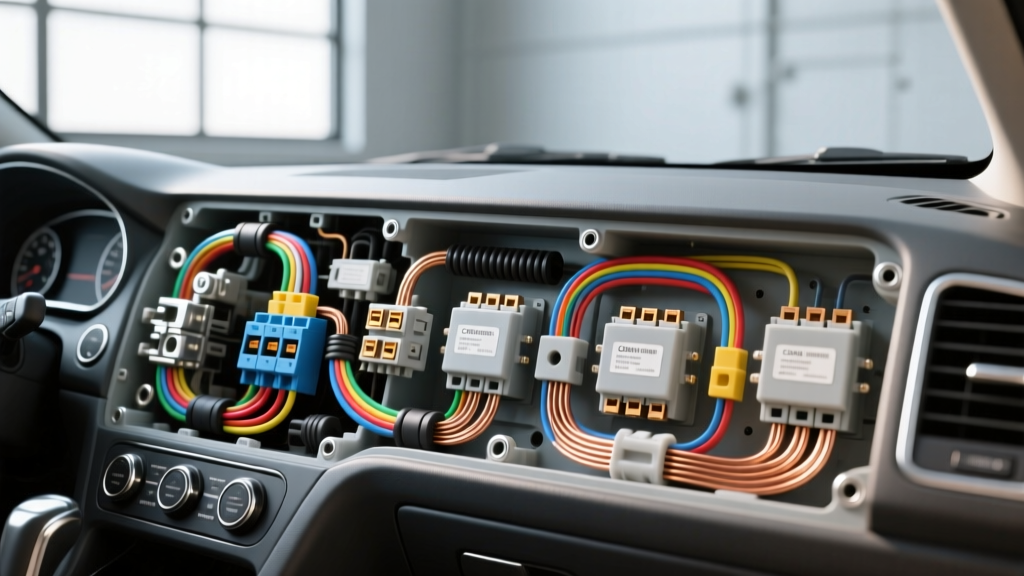
Project Overview: Upgrading to a Hardwired Vehicle Security System
Transitioning from a basic cigarette-lighter dash cam to a comprehensive, multi-channel surveillance system is one of the most valuable upgrades you can perform on a modern vehicle. A professional hardwired security camera installation enables 24/7 parking surveillance, impact detection, and time-lapse recording without draining your starter battery or cluttering the cabin with visible cables. This modification project requires a deep understanding of automotive 12V electrical architecture, data bus integration, and proper wire management techniques.
In this upgrade guide, we will walk through the complete integration of a 3-channel hardwired security camera system (front, rear, and interior cabin). We will cover power distribution via the interior fuse panel, CAN bus data integration for reliable ignition sensing, and the critical voltage cutoff calibrations required to protect your vehicle's battery health.
Electrical Load & Wire Gauge Specifications
Before tapping into any vehicle circuits, you must calculate the total current draw of the security camera system. Most modern 3-channel systems draw between 2.5A and 4.0A during active recording, and drop to 300mA–500mA in low-power parking mode. Using undersized wire will result in voltage drop, causing the camera's internal supercapacitor to fail or the system to reboot randomly.
| Circuit Application | Wire Gauge (AWG) | Max Current Draw | Inline Fuse Rating | Wire Type |
|---|---|---|---|---|
| Main Processing Unit Power | 16 AWG | 5.0A | 5A ATO/Mini | Stranded Copper (GXL) |
| Constant 12V Memory Feed | 18 AWG | 1.0A | 2A Micro2 | Stranded Copper (GXL) |
| Camera Head Coaxial/Data | 22 AWG (Shielded) | 0.5A | N/A (Internal) | Shielded Fakra/Coax |
| Chassis Ground Return | 16 AWG | 5.0A | N/A | Stranded Copper (GXL) |
Power Integration: Fuse Panel and Add-A-Circuit Routing
The most common failure point in a DIY hardwired security camera installation is improper use of an Add-A-Circuit (fuse tap). Modern vehicles utilize Micro2, Mini, or ATO blade fuses. You must select a fuse tap that matches your vehicle's specific fuse profile.
Identifying Constant vs. Switched Power
Using a digital multimeter (DMM), probe the fuse panel with the vehicle completely off and the doors closed (to allow the CAN bus to go to sleep).
- Constant 12V (B+): Reads 12.2V - 12.6V with the ignition off. Used for the camera's memory, clock, and impact-sensor standby power.
- Switched 12V (ACC/IG1): Reads 0V with the ignition off, and 13.5V - 14.4V when the engine is running. Used to wake the camera system and trigger standard driving recording.
The "Load" vs. Source" Orientation Rule
According to MECP (Mobile Electronics Certification Program) standards, the orientation of the fuses in an Add-A-Circuit is critical. The fuse slot closest to the metal prongs is the Source (power coming from the vehicle's bus). The outer slot is the Load (power going to your camera). If you place your camera's fuse in the source slot, the camera will draw power unfused if the original vehicle fuse blows, creating a severe fire hazard. Always ensure the original OEM fuse protects both circuits.
CAN Bus Integration for Parking Surveillance
Relying solely on voltage drops to detect ignition status is unreliable in modern vehicles equipped with high-capacity alternators and Battery Management Systems (BMS). A premium hardwired security camera installation utilizes the vehicle's CAN (Controller Area Network) bus to read ignition state, door open/close events, and lock/unlock commands directly from the ECU.
OBD-II vs. Behind-the-Dash Splicing
While splicing behind the radio or instrument cluster is possible, the OBD-II port provides the most accessible and standardized access to CAN data.
- Pin 6: CAN-High (Typically White or White/Green)
- Pin 14: CAN-Low (Typically Green or White/Blue)
- Pin 4 & 5: Chassis & Signal Ground
- Pin 16: Constant 12V Battery Power
Grounding and Voltage Cutoff Calibration
A poor ground will introduce electromagnetic interference (EMI) into the camera's video signal, resulting in alternator whine or rolling horizontal lines on the display. The SAE J1113 standard for Electromagnetic Compatibility dictates that sensitive electronics must be grounded to a dedicated, unpainted chassis point.
Proper Grounding Procedure
- Locate an M6 or M8 factory ground bolt in the kick panel or under the dash.
- Remove the bolt and sand away any paint or e-coat down to bare, shiny metal.
- Crimp an 18-16 AWG ring terminal onto your ground wire.
- Install a star washer between the ring terminal and the chassis to bite into the metal and prevent loosening from vehicle vibration.
- Torque the bolt to the manufacturer's specification (typically 10-12 Nm for M6 bolts).
Battery Protection Voltage Cutoffs
The hardwire kit's low-voltage cutoff must be calibrated based on your vehicle's battery chemistry to prevent a dead battery.
- Standard Flooded Lead-Acid: Set cutoff to 11.8V. (Resting voltage is ~12.6V; dropping below 11.8V risks sulfation and cranking failure).
- AGM (Absorbent Glass Mat): Set cutoff to 12.0V. (Resting voltage is ~12.8V; AGM batteries suffer permanent capacity loss if drained below 12.0V).
Wire Routing and SRS Airbag Safety
When routing the camera cables down the A-pillars, you must navigate around the side-curtain airbags (SRS). Never zip-tie or tape camera wires directly to the SRS airbag housing or its yellow wiring harness. In the event of deployment, the camera wire can act as a whip, causing severe cabin injury. Instead, route the camera harness behind the factory wiring loom, securing it with Tesa cloth tape to prevent rattles, and use factory plastic push-clips to hold the wire safely away from the airbag deployment trajectory.
Troubleshooting the Hardwired Security Camera Installation
If your system fails to enter parking mode or drains the battery, use this diagnostic decision tree:
- Symptom: Camera does not shut off when vehicle is parked.
Cause: Switched ACC wire tapped into a "delayed accessory" circuit (e.g., radio or retained accessory power) that stays live for 10+ minutes, or CAN bus sleep failure.
Fix: Move the ACC tap to a true ignition circuit like the 12V cigar lighter or windshield wiper motor fuse. - Symptom: Video feed shows rolling horizontal interference lines.
Cause: Ground loop or poor chassis ground.
Fix: Verify ground point is bare metal. Add a ferrite bead choke to the 12V power line near the camera head. - Symptom: Battery is dead after 24 hours of parking mode.
Cause: Parasitic draw exceeds cutoff threshold, or cutoff voltage is set too low.
Fix: Perform a parasitic draw test. Disconnect the negative battery terminal, connect a DMM in series (set to 10A), and reconnect. Wait 30 minutes for modules to sleep. Draw should be under 500mA. If higher, check for CAN bus wake-ups caused by improper splicing.