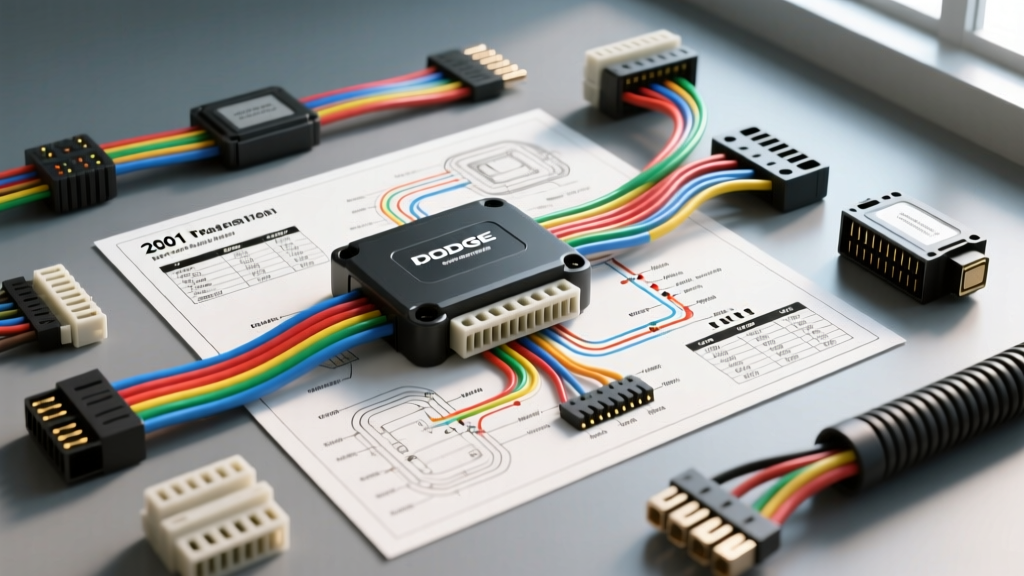
Introduction to the 2001 Dodge Ram JTEC PCM Architecture
Replacing or upgrading the Powertrain Control Module (PCM) in a 2001 Dodge Ram (1500, 2500, or 3500 series) requires a thorough understanding of the Joint Technology Engine Controller (JTEC) system. Whether you are swapping a damaged unit due to water intrusion or installing a refurbished module for a 5.2L or 5.9L Magnum V8, relying on an accurate 2001 Dodge Ram PCM wiring diagram is non-negotiable. The 2001 model year represents a transitional era in Chrysler electrical architecture, utilizing a 3-way, 96-pin connector layout that is highly susceptible to specific failure modes if not prepped and sealed correctly during installation.
This practical how-to guide bypasses generic advice and dives directly into the wire gauges, pin configurations, torque specifications, and real-world diagnostic decision trees required for a flawless PCM installation. For authoritative standards on the vehicle's communication network, the PCM relies on the SAE J1850 standard for its Programmable Communications Interface (PCI) bus.
Pre-Installation: Safety, Prep, and Cowl Drain Inspection
Before touching a single connector, you must address the most common cause of PCM death in the 2001 Ram: passenger side cowl drain blockage. The PCM is mounted on the passenger side firewall. If the HVAC cowl drain clogs with leaves and debris, water backs up and drips directly onto the PCM connectors, leading to catastrophic capillary corrosion inside the C1 and C2 headers.
- Battery Disconnect: Remove the negative battery cable and isolate it. Wait a minimum of 5 minutes to allow the internal PCM capacitors to discharge, preventing voltage spikes during connector removal.
- Cowl Cleaning: Remove the passenger side wiper arm and cowl cover. Clear the drain tube. Flush with water to verify it exits behind the front right wheel well.
- Connector Inspection: Unplug the three 32-pin connectors (C1 Black, C2 Gray, C3 White). Inspect for green/white copper oxide. If present, clean with electrical contact cleaner and a nylon bristle brush. Do not use metal picks, as they will spread the female terminal pins and cause intermittent connection loss.
Decoding the 2001 Dodge Ram PCM Wiring Diagram
The JTEC PCM utilizes three distinct 32-pin connectors. Understanding the primary power, ground, and communication circuits is vital for post-installation troubleshooting. Below is a reference chart for the critical C1 (Black) connector, which handles the bulk of the module's power and logic grounds.
| Pin Number | Circuit Function | Wire Color | AWG Size | Destination / Notes |
|---|---|---|---|---|
| Pin 2 | Fused B+ (Battery) | Red | 10 AWG | Direct from PDC Fuse 17 (25A). Constant 12V for Keep Alive Memory (KAM). |
| Pin 10 | Logic Ground | Black/Tan | 14 AWG | Engine Block Ground. Critical for internal PCM logic stability. |
| Pin 14 | PCI Bus Data | Violet/White | 20 AWG | SAE J1850 Communication to CCD/SCI bus modules and OBD2 Port Pin 2. |
| Pin 22 | Ignition Run/Start | Dark Blue | 14 AWG | Switched 12V from Ignition Switch. Wakes up the PCM and ASD relay. |
| Pin 31 | Sensor Ground | Black/Light Blue | 14 AWG | Shared 5V return for MAP, TPS, and IAT sensors. Do not confuse with chassis ground. |
C2 (Gray) and C3 (White) Connector Highlights
The C2 Connector is primarily dedicated to low-voltage sensor inputs and the 5-Volt reference circuit. Pin 17 (Violet/White) provides the critical 5V reference to the Throttle Position Sensor (TPS) and Manifold Absolute Pressure (MAP) sensor. If this wire shorts to ground during installation, the PCM will lock out the injectors.
The C3 Connector houses the high-current drivers, specifically the Automatic Shutdown (ASD) relay control and the fuel injector pulse circuits. The injector drivers operate on the ground side; the PCM switches the ground path to complete the circuit through the 14 AWG Dark Green/Orange ASD feed wire.
Step-by-Step PCM Installation Procedure
Proper mechanical installation ensures thermal dissipation and prevents moisture ingress. The PCM relies on its aluminum casing mating to the steel firewall bracket to shed heat generated by the internal injector driver transistors.
- Bracket Prep: Clean the firewall mounting bracket with a wire wheel to remove rust and old sealant. Apply a light coat of dielectric grease to the bracket mating surface to prevent galvanic corrosion between the PCM casing and the steel bracket.
- Mounting the PCM: Position the new PCM onto the bracket. Install the three 10mm mounting bolts. Torque Specification: Tighten to 40 in-lbs (4.5 Nm). Over-torquing can crack the internal ceramic substrate.
- Applying Dielectric Compound: Apply a generous bead of pure silicone dielectric grease (not petroleum-based Vaseline, which degrades EPDM rubber seals) to the interior of the C1, C2, and C3 harness connectors. This displaces moisture and prevents oxygen from reaching the copper terminals.
- Seating the Connectors: Align the connectors and push firmly until the locking tabs click. Insert the 8mm center retaining bolt for each connector. Torque Specification: Tighten the center draw-bolts to 3-5 Nm (27-44 in-lbs). These bolts draw the connector flush against the PCM seal; overtightening will strip the brass inserts inside the PCM housing.
- Weatherproofing: Run a bead of black RTV silicone around the perimeter where the harness boots meet the PCM casing to provide a secondary barrier against the notorious cowl water drip.
Wire Repair Standards for JTEC Harnesses
If your wiring diagram tracing reveals damaged wires near the PCM pigtail, standard electrical tape and twist-crimps are unacceptable. The engine bay environment requires adherence to strict automotive repair standards, as outlined by ALLDATA DIY repair protocols.
- Wire Type: Always use TXL (Cross-Linked Polyethylene) or GXL automotive wire. Never use THHN building wire, as its PVC insulation will melt against the exhaust manifolds or harden and crack in sub-zero temperatures.
- Splicing Method: Use adhesive-lined, dual-wall heat shrink butt connectors. The inner meltable adhesive creates a waterproof seal that wicks into the wire strands, preventing capillary action from drawing moisture into the PCM pins.
- Gauge Matching: Maintain exact AWG sizes. Stepping up a 20 AWG sensor wire to 16 AWG will alter the resistance of the circuit, potentially skewing the 5V reference return and causing phantom MAP sensor codes.
Post-Installation Troubleshooting: Crank, No-Start Decision Tree
After installing the PCM and reconnecting the battery, a 'Crank, No-Start' condition is the most common hurdle. This is almost always tied to the ASD (Automatic Shutdown) relay circuit or the PCI bus. Use this diagnostic tree before condemning the new PCM:
- Step 1: Listen for the ASD Relay Click.
- Clicks then drops out after 2 seconds: Normal behavior. PCM is seeing no Crankshaft Position Sensor (CKP) signal during cranking. Check CKP wiring (Gray/Black wire to C2 Pin 24) and air gap.
- Does not click at all: PCM is not grounding the ASD relay coil. Check C1 Pin 22 (Dark Blue) for 12V during the 'Run' and 'Start' key positions. If power is missing, check the ignition switch and Fuse 9 in the Junction Block.
- Step 2: Verify 5-Volt Reference.
- Backprobe C2 Pin 17 (Violet/White) with a digital multimeter. If it reads 0V, unplug the MAP, TPS, and IAT sensors one by one. A shorted 5V sensor will pull the entire PCM logic board down, preventing the ASD relay from engaging.
- Step 3: Scan Tool Communication (PCI Bus Check).
- If an OBD2 scanner will not link to the truck, check C1 Pin 14 (Violet/White). Verify continuity to OBD2 Port Pin 2. A short to ground on the PCI bus will silence the PCM, preventing immobilizer (SKIM) handshake and injector firing.
Final Verification and Road Test
Once the engine fires, allow it to reach closed-loop operating temperature (approx. 180°F coolant). Use a scan tool to monitor the Long Term Fuel Trim (LTFT). Because the 2001 Ram utilizes a return-style fuel system and speed-density calculations, ensure the MAP sensor voltage at idle sits steadily between 1.2V and 1.6V. Finally, perform a high-pressure water test on the passenger cowl area while the engine is idling to verify your RTV sealing and cowl drain maintenance have successfully protected the new JTEC PCM from future water intrusion.
For further electrical schematics and component location guides, always cross-reference your specific VIN with the Mopar Connection technical archives or a factory service manual to account for mid-year production splits between the 1500 and 2500/3500 platforms.