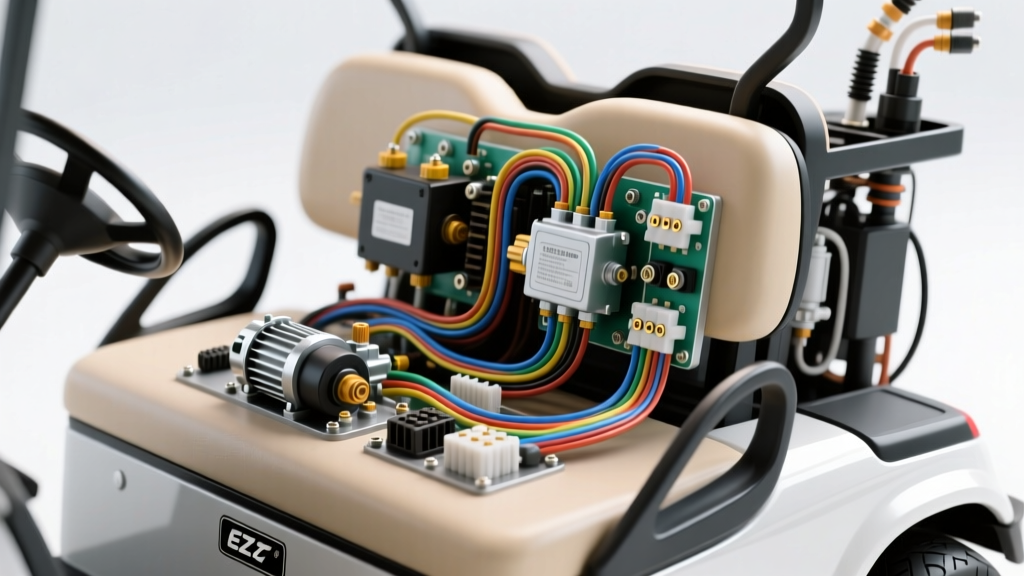
Understanding the EZ GO Electrical Architecture
When diagnosing a no-start condition, erratic throttle response, or complete power loss in an EZ GO TXT or RXV platform, relying on a generic schematic is a recipe for misdiagnosis. A precise wiring diagram for EZ GO golf cart systems must account for the specific drive topology—whether it is a classic Series DC, a DCS (Drive Control System), or a modern PDS (Precision Drive System) utilizing SepEx (Separately Excited) motors. This walkthrough dissects the primary high-current traction circuits and the low-current logic networks that govern vehicle operation, providing actionable data for automotive electrical technicians and advanced DIYers.
High-Current Traction Circuit: The Solenoid and Motor
The heart of the EZ GO DC electrical system is the heavy-duty contactor, commonly referred to as the solenoid. In 36V and 48V TXT models, the solenoid acts as the primary bridge between the battery pack and the motor controller. The main power lugs on the solenoid require 4 AWG to 2 AWG pure copper welding cable, crimped with heavy-duty ring terminals and torqued to 90-120 in-lbs to prevent thermal runaway and voltage drop under heavy amp-draw, which can easily exceed 300A during hill climbs or heavy payload towing.
The Pre-Charge Resistor Network
A critical, often overlooked component in the EZ GO wiring diagram is the pre-charge resistor. Wired across the large terminals of the solenoid, this 250-ohm, 10-watt ceramic resistor prevents the massive inrush current from welding the solenoid contacts or blowing the main fuse by slowly charging the controller's internal capacitors. If your cart exhibits a loud bang from the controller upon key turn, or if the main 400A fuse blows instantly, the pre-charge circuit has failed and must be replaced before reinstalling the main fuse.
Controller Pinouts and Logic Wiring (Curtis 1268 / 1206)
Most PDS and DCS EZ GO carts utilize Curtis Instruments motor controllers. Understanding the controller pinout is essential when tracing the wiring diagram for EZ GO golf cart logic faults. The main harness typically terminates in a 16-pin or 20-pin Molex-style connector. Below are the critical pin designations for the Curtis 1268 series commonly found in 48V PDS applications:
- Pin 1 (B+): Main battery positive. Must read full pack voltage (e.g., 48V nominal, 50.4V resting) relative to Pin 2.
- Pin 2 (B-): Main battery negative. Ground reference for all logic circuits.
- Pin 5 (Key Switch): Receives 48V from the ignition switch. If this pin reads 0V, check the key switch and the 10A inline fuse located near the battery pack positive terminal.
- Pin 11 (Throttle High) & Pin 12 (Throttle Low): Connects to the ITS (Inductive Throttle Sensor). The ITS varies the magnetic field rather than using a physical wiper track, eliminating dead-spot failures common in older potentiometers.
- Pin 15 (Brake Switch): Receives voltage when the brake pedal is released. If this circuit is open, the controller will disable the motor to prevent runaway scenarios.
Wire Color Codes and AWG Specifications
Adhering to OEM wire color codes and SAE J1128 standards for low-tension primary cable ensures safe, traceable repairs. Below is the standard reference chart for EZ GO TXT and PDS systems.
| Circuit Function | Standard Wire Color | AWG Size | Connector / Terminal |
|---|---|---|---|
| Main Battery Positive (B+) | Red | 4 AWG | 3/8-inch Ring Terminal |
| Main Battery Negative (B-) | Black | 4 AWG | 3/8-inch Ring Terminal |
| Solenoid Coil Activation | Yellow / Blue Stripe | 18 AWG | 1/4-inch Spade / Molex |
| Forward/Reverse Microswitch | Black / White Stripe | 16 AWG | Push-on Spade |
| ITS Throttle Signal | Green / Red / Black | 20 AWG | 3-Pin Amp Superseal |
| Charger Receptacle Interlock | Yellow | 16 AWG | Reed Switch Harness |
Forward/Reverse Switch and Microswitch Alignment
In Series DC motors, the Forward/Reverse (F/R) switch physically reverses the polarity of the motor's field coils relative to the armature. In modern SepEx (PDS) systems, the F/R switch is strictly a low-current logic input. It utilizes DPDT (Double Pole Double Throw) microswitches mounted at the base of the F/R lever assembly. If the cart only moves in one direction, or if the reverse buzzer fails to sound, the microswitch is likely out of mechanical alignment. The actuator cam must depress the microswitch plunger exactly 1.5mm past the click threshold to ensure reliable contact closure without overstressing the internal spring.
Inductive Throttle Sensor (ITS) Calibration and Wiring
Unlike older EZ GO models that relied on resistive potentiometers (V-glide) which suffered from track wear and dead spots, the PDS and modern DCS systems utilize an Inductive Throttle Sensor (ITS). The ITS wiring consists of three primary conductors: a 5V reference, a signal return, and a ground. Because the ITS relies on magnetic flux rather than physical contact, it is impervious to dust and moisture ingress. However, the physical gap between the sensor housing and the rotating magnet cam must be precisely maintained at 0.030 to 0.040 inches. If the wiring diagram indicates correct pin continuity but the cart exhibits a pedal sensor fault code or erratic acceleration, the air gap is likely out of spec, or the 5V reference wire has suffered a voltage drop due to a corroded Molex pin. Always back-probe the ITS connector with a high-impedance digital multimeter while slowly depressing the accelerator to verify a smooth, linear voltage sweep from 0.8V (idle) to 3.6V (full throttle).
Onboard Computer (OBC) and Charger Receptacle Logic
In 48V EZ GO PDS models, the Onboard Computer (OBC) acts as the central gateway for battery management and charge logic. The wiring diagram for the OBC integrates directly with the charger receptacle via a magnetic reed switch. When the OEM charger is plugged in, the receptacle's internal magnet closes the reed switch, sending a ground signal to the OBC's Charge pin. This signal commands the OBC to open the main solenoid's ground path, effectively locking out the drive circuit to prevent drive-away damage. Furthermore, the OBC monitors the battery pack's state of charge and controls the charger's AC relay. If the cart refuses to charge, and the charger's internal relay fails to click, trace the yellow and black wires from the charger receptacle back to the OBC. A common failure mode is the corrosion of the 6-pin Molex connector located under the driver's side dash panel, which disrupts the OBC's ability to complete the charger's internal circuit.
Diagnostic Troubleshooting: Voltage Drop Testing
When utilizing a wiring diagram for EZ GO golf cart troubleshooting, avoid relying solely on continuity tests. A wire with a single strand of copper intact will pass a continuity test but will fail under a 200A load. Instead, perform dynamic voltage drop testing to find hidden resistance.
- Set your digital multimeter to DC Volts.
- Place the red probe on the battery side of the main solenoid and the black probe on the motor side of the solenoid.
- Jack up the rear wheels safely on jack stands and apply the throttle. The solenoid should engage.
- A healthy solenoid will show a voltage drop of less than 0.2V. A reading above 0.5V indicates internal contact pitting or carbon buildup, requiring immediate solenoid replacement to prevent a fire hazard.
Authoritative References and Further Calibration
For advanced controller programming, such as adjusting the PWM frequency, torque limiting, or regenerative braking parameters on PDS models, technicians must interface with the Curtis Instruments motor speed controllers via a handheld programmer. Always consult the official EZ GO Textron Technical Service Bulletins before modifying factory harness limits, as altering the controller's current limit parameters without upgrading the 4 AWG cabling can result in severe thermal events and harness fires. Proper adherence to the manufacturer's wiring schematic ensures longevity, safety, and optimal performance of the vehicle's electrical architecture.