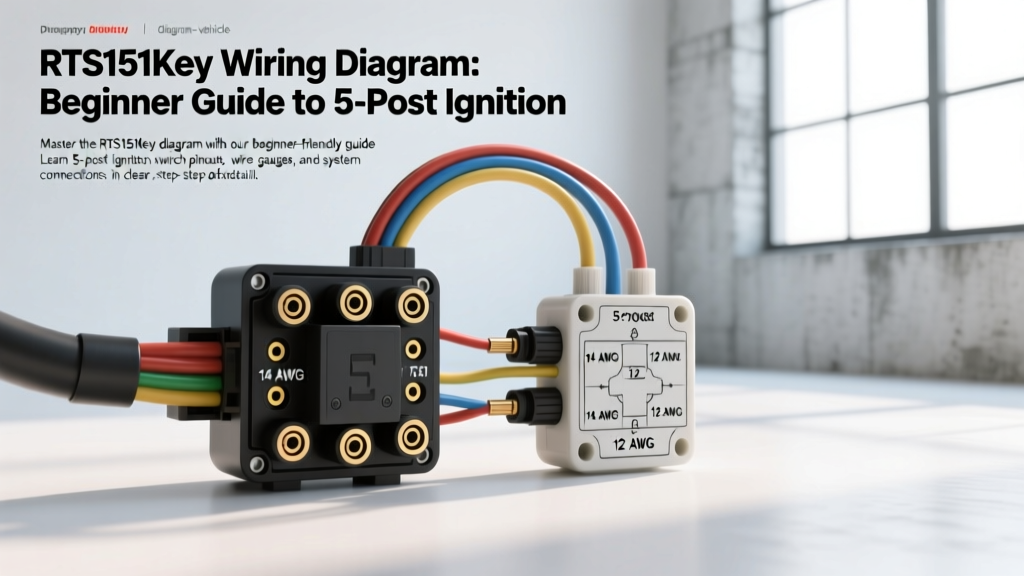
Introduction to the RTS151Key Ignition System
When tackling a classic truck restoration, marine console rebuild, or off-road buggy project, the ignition switch is the central nervous system of your vehicle's electrical architecture. The RTS151Key is a widely recognized heavy-duty, 5-post ignition switch assembly favored for its robust copper wafer contacts and high-current handling capabilities. For beginners, looking at a bare 5-post switch can be intimidating. Unlike modern sealed steering column modules, the RTS151Key requires manual termination, proper gauge selection, and an understanding of circuit routing.
This beginner-friendly fundamentals guide will demystify the RTS151Key wiring diagram. We will break down the terminal designations, specify the correct American Wire Gauge (AWG) sizes, outline standard OEM color codes, and provide a real-world troubleshooting matrix. By the end of this guide, you will be able to wire your ignition switch safely, prevent voltage drop, and avoid the most common electrical fires caused by undersized battery feed wires.
Decoding the 5-Post Terminal Layout
The RTS151Key operates using a rotary mechanical wafer system. As you turn the key cylinder from Off to Accessory, Run, and Start, internal copper bridges connect specific terminals to the main battery feed. Understanding what each post does is critical before you strip a single wire.
1. B (Battery) Terminal
The B terminal is your constant 12V main power feed directly from the battery positive post or the main distribution busbar. This terminal is "hot" at all times, regardless of key position. Because it feeds every other circuit in the switch, it carries the highest amperage load and requires the thickest wire gauge.
2. S (Start) Terminal
The S terminal sends a 12V signal to the starter solenoid's trigger wire. It only receives power when the key is held in the "Start" (crank) position. Once you release the key back to "Run," the internal wafer breaks the circuit to the S terminal, disengaging the starter.
3. I (Ignition) Terminal
The I terminal powers the vehicle's primary running systems: the ECU/PCM, fuel pump relay, ignition coil, and instrument cluster. It is hot in both the "Run" and "Start" positions. Note: Some older switches drop the I terminal during cranking to save amperage for the starter, but modern RTS151Key variants maintain continuity to keep the ECU powered during engine cranking.
3. A (Accessory) Terminal
The A terminal powers non-essential systems like the radio, windshield wipers, and power windows. It is hot in the "Accessory" and "Run" positions but intentionally cuts off during "Start" to redirect maximum battery cranking amps to the starter motor.
5. R (Indicator/Ground) Terminal
The R terminal is highly versatile depending on your application. In classic V8 applications, it is often used to feed a 12V signal to an electric choke on a carburetor. In diesel applications, it may trigger a glow plug relay or glow plug indicator light on the dash.
RTS151Key Wiring Diagram & Specification Chart
Selecting the correct wire gauge is not just a recommendation; it is a critical safety requirement. According to SAE J1128 standards for low-tension primary cable, wire must be sized based on amperage draw and the physical length of the wire run to prevent excessive voltage drop and insulation melting.
| Terminal | Function | Key Positions Active | Min. AWG Size | Standard Wire Color | Recommended Fuse |
|---|---|---|---|---|---|
| B | Main Battery Feed | Always Hot | 10 AWG | Red | 40A Maxi-Fuse |
| S | Starter Solenoid Trigger | Start Only | 12 AWG | Purple or Yellow | 10A Inline |
| I | Ignition / ECU / Dash | Run, Start | 12 AWG | Pink or Orange | 15A ATC |
| A | Accessory / Radio | Acc, Run | 14 AWG | Brown or Blue | 10A ATC |
| R | Choke / Indicator | Run (Varies) | 14 AWG | Green or Black | 5A - 10A |
Expert Note: Always use SAE-rated stranded copper wire (GXL or TXL insulation). Never use solid-core household wire (THHN) in automotive applications, as engine vibration will cause solid wire to fatigue, snap, and short out against the chassis.
Step-by-Step Wiring Procedure for Beginners
Follow this systematic approach to ensure a clean, reliable, and safe RTS151Key installation.
- Disconnect the Battery: Always remove the negative battery terminal first. This prevents accidental shorts while routing the main B-terminal wire.
- Bench-Test the Switch: Before mounting the switch, use a digital multimeter set to the Continuity (beep) mode. Connect one probe to the B terminal and touch the other to S, I, and A while turning the key. Verify the internal wafers match the specification chart above. This saves hours of troubleshooting later.
- Terminate the B-Terminal First: Route your 10 AWG Red wire from the battery positive terminal (or main fuse block) to the B post. Use a closed-loop ring terminal and a high-quality mechanical crimper. Apply heat-shrink tubing over the crimp barrel to seal out moisture.
- Wire the Starter Circuit (S-Terminal): Run a 12 AWG Purple wire from the S terminal to the "S" post on your starter solenoid. Route this wire away from exhaust headers, as the solenoid pull-in current can spike to 15 amps momentarily.
- Connect Ignition and Accessory Loads: Attach your 12 AWG Pink (I) and 14 AWG Brown (A) wires. It is highly recommended to route these to a secondary fuse block rather than splicing directly into individual components. This centralizes your fuses for easier maintenance.
- Apply Dielectric Grease: Once all spade connectors or ring terminals are torqued to the switch posts, apply a liberal coating of silicone dielectric grease over the terminals. This prevents galvanic corrosion, which is the number one cause of high-resistance voltage drops in ignition switches.
Real-World Troubleshooting: Symptom-Cause-Fix Matrix
Even with a perfect diagram, beginners often encounter gremlins. Use this diagnostic matrix to solve common RTS151Key wiring faults.
| Symptom | Probable Cause | Diagnostic Fix |
|---|---|---|
| Starter stays engaged after releasing key to "Run". | S and I terminals are swapped, or starter solenoid contacts are physically welded together. | Verify wire placement against the chart. Tap the starter solenoid with a rubber mallet to unstick welded contacts. |
| Dash lights flicker or engine dies immediately after starting. | Voltage drop on the I-terminal circuit, or loose B-terminal connection causing switch starvation. | Measure voltage at the B post and I post while cranking. If B drops below 10.5V, upgrade the B wire to 8 AWG. |
| Radio turns off when cranking the engine, but won't turn back on. | Accessory relay failure or A-terminal wire chafing against the steering column. | Inspect the A-terminal wire routing. Use a multimeter to verify 12V returns to the A post when the key is released to "Run". |
| Switch housing feels hot to the touch after driving. | Overloaded I-terminal (drawing more than 15A directly through the switch wafers). | Install a 30A Bosch-style relay. Use the I-terminal to trigger the relay coil, and let the relay handle the heavy amperage load. |
Understanding Voltage Drop in the B-Terminal Circuit
One of the most crucial concepts for beginners to grasp is voltage drop. As detailed in comprehensive marine and automotive electrical guides like Marine How-To, wire acts like a narrow pipe. If you try to push 30 amps of current through a long run of 14 AWG wire, the resistance generates heat and drops the voltage at the destination.
If your RTS151Key switch is mounted on a custom dashboard far from the battery, a 10 AWG wire might still suffer from voltage drop. If the voltage arriving at the B terminal drops below 11.5V, your ECU may brown-out during cranking, and your starter solenoid may fail to engage fully. The Fix: For wire runs exceeding 6 feet from the battery to the ignition switch, always bump the B-terminal wire up to 8 AWG to ensure maximum current delivery.
Expert Tips for Long-Term Reliability
- Ditch the Electrical Tape: Vinyl electrical tape unravels in high engine bay temperatures. Always use braided nylon wire loom or split-loom tubing secured with Tesa tape to protect your ignition harness from abrasion.
- Use Weather-Pack Connectors: If your RTS151Key is mounted in an exposed location (like an open-cab buggy or marine center console), do not use standard spade terminals. Upgrade to sealed Weather-Pack or Deutsch connectors to prevent water intrusion and terminal oxidation.
- Secure the Harness: The steering column experiences constant movement and vibration. Ensure your wiring harness has a drip loop and is secured with P-clamps at least 6 inches away from the switch terminals to prevent mechanical stress from pulling the wires out of their crimps.
Summary
Wiring the RTS151Key ignition switch does not have to be overwhelming. By respecting the 5-post layout, adhering to SAE AWG sizing standards, and utilizing relays for high-draw circuits, you can build an ignition system that is both reliable and safe. Keep your multimeter handy, double-check your terminal assignments before applying power, and always prioritize high-quality copper terminations over quick-fix crimps.