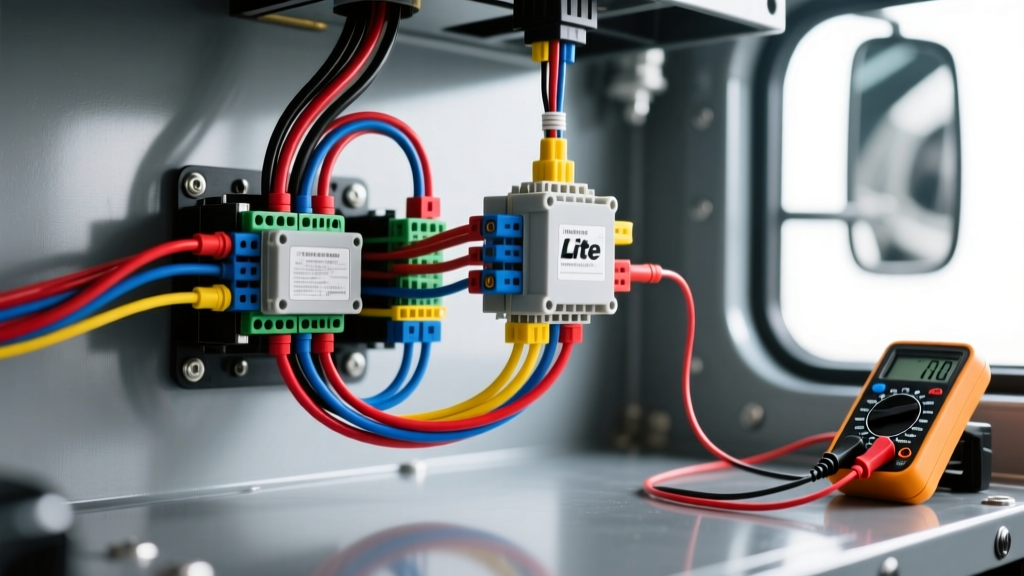
Mastering the Truck Lite Wiring Harness Diagram for Heavy-Duty Diagnostics
When integrating or repairing commercial LED lighting systems, relying on guesswork leads to burnt pigtails, multiplexer faults, and catastrophic voltage drops. A precise truck lite wiring harness diagram is the foundational blueprint required to isolate electrical gremlins in heavy-duty tractors and trailers. Unlike standard passenger vehicles, commercial rigs utilize robust SAE J560 7-pin round connectors, thick-gauge grounding paths, and complex Pulse Width Modulation (PWM) chassis control modules. This guide provides a step-by-step troubleshooting flow to diagnose the most common Truck-Lite harness failures, from PWM hyperflashing to severe voltage drop under load.
The Core Schematic: SAE J560 7-Pin Heavy-Duty Harness
Before initiating any diagnostic flow, you must understand the baseline architecture of the harness. Most Truck-Lite commercial trailer and tractor harnesses are built to the SAE J560 Standard for 7-pin round connectors. The wire gauges are specifically calculated to handle the continuous amperage draw of heavy-duty lighting arrays over long cable runs.
| Pin | Function | Wire Color | AWG Size | Diagnostic Focus |
|---|---|---|---|---|
| 1 | Ground Return | White | 8 AWG | Chassis bond, ring terminal torque |
| 2 | Clearance / Marker / ID | Black | 12 AWG | Corrosion at marker light splices |
| 3 | Left Turn / Stop | Red | 12 AWG | PWM multiplexer conflict |
| 4 | Right Turn / Stop | Brown | 12 AWG | PWM multiplexer conflict |
| 5 | Tail Lights | Green | 12 AWG | Voltage drop over 50ft runs |
| 6 | Auxiliary / Reefer | Blue | 10 AWG | High-amperage continuous load |
| 7 | Stop Lights | Yellow | 12 AWG | Brake switch relay voltage |
Note: Always verify your specific Truck-Lite part number, as specialized harnesses (like the 93950 headlight adapters) utilize H4/9007 Deutsch connectors rather than the standard 7-way round.
Diagnostic Prerequisites & Tooling
Do not use piercing probes (T-pins) on heavy-duty harnesses. Piercing the insulation of 12 AWG or 8 AWG wire introduces moisture pathways that cause rapid galvanic corrosion, especially in winter road-salt environments. Instead, utilize back-pinning tools, breakout boxes, and a high-impedance digital multimeter (DMM) capable of measuring millivolt drops. For LED circuits, a standard test light is useless; you must use a dedicated LED-compatible load tester or your DMM to measure voltage under simulated load conditions.
Troubleshooting Flow 1: PWM Multiplexer Faults & Hyperflashing
Symptom: The Truck-Lite LED turn signals or brake lights flash rapidly (hyperflash), fail to illuminate entirely, or trigger a 'Check Lighting' dash code on modern Freightliner Cascadia or Volvo VNL tractors.
The Engineering Cause: Modern heavy-duty tractors use a Chassis Control Module (CCM) that monitors circuit resistance via Pulse Width Modulation (PWM). The CCM sends a low-voltage pulse to check for a bulb filament. Incandescent bulbs draw high current (approx. 2.1 amps per bulb), confirming the circuit is intact. Truck-Lite LEDs draw significantly less current (often under 0.5 amps). The CCM interprets this low draw as a 'burnt bulb' and cuts power to the circuit or triggers a fault code.
Step-by-Step Fix:
- Verify the PWM Signal: Connect your DMM to the suspect circuit (e.g., Pin 3 - Red Wire). Set the meter to DC Volts. If you see a rapidly pulsing voltage between 2V and 10V rather than a steady 12V-14V, the CCM is in fault/check mode.
- Install a PWM Filter Module: You must install a Truck-Lite PWM filter/resistor module (such as the Model 44090). According to the Truck-Lite Technical Resources bulletins, this module must be wired in parallel near the tractor-side connector.
- Wiring the Filter: Splice the filter's input wire into the affected turn/stop circuit (Red or Brown) and ground the filter's white wire to the main 8 AWG White ground circuit. The internal resistor mimics the amperage draw of an incandescent bulb, satisfying the CCM's PWM check and allowing full 12V power to reach the LEDs.
Troubleshooting Flow 2: Severe Voltage Drop Under Load
Symptom: LED tail lights or clearance lights appear dim at idle, flicker when the engine RPM increases, or fail to reach full lumen output.
The Engineering Cause: LEDs are highly sensitive to voltage starvation. While they draw less current, the physical length of a tractor-trailer harness (often exceeding 60 feet from the battery box to the rear trailer sill) creates inherent resistance in 12 AWG copper wire. If a connection is corroded, or if an undersized wire was used in a previous repair, the voltage drop will exceed the acceptable threshold, starving the LED driver circuitry.
Step-by-Step Fix:
- Establish Baseline Source Voltage: Measure DC voltage directly at the tractor's battery posts with the engine running. Record this value (e.g., 14.2V).
- Measure Circuit Voltage: Back-pin the corresponding pin on the trailer-side plug (e.g., Pin 5 - Green Tail Light) while the lights are turned ON and under load.
- Calculate the Drop: Subtract the trailer-side voltage from the battery voltage. If your battery is at 14.2V and the trailer plug reads 11.8V, you have a massive 2.4V drop. According to FleetOwner Electrical Diagnostics guidelines, heavy-duty lighting circuits should never exceed a 0.5V total drop.
- Isolate the Fault: Move your positive DMM probe halfway down the harness (e.g., at the gladhand connection or mid-chassis splice). If the voltage jumps back to 14.0V, the fault lies in the second half of the harness. Inspect all inline bullet connectors, heat-shrink splices, and the 7-pin plug pins for pin push-out or green copper oxide corrosion.
| Circuit Type | Wire Gauge | Maximum Allowable Voltage Drop |
|---|---|---|
| Ground Return (Pin 1) | 8 AWG | 0.10V |
| Lighting (Pins 2,3,4,5,7) | 12 AWG | 0.50V |
| Auxiliary / High Draw (Pin 6) | 10 AWG | 0.25V |
Troubleshooting Flow 3: Intermittent Ground Return Failures
Symptom: 'Cross-talk' or 'back-feeding' in the lighting system. For example, applying the brakes causes the clearance lights to dimly illuminate, or turning on the left blinker causes the right tail light to flash.
The Engineering Cause: This is the hallmark of a high-resistance ground on Pin 1 (White, 8 AWG). Because the LEDs cannot pull sufficient current through the corroded main ground path, the current seeks an alternative path to ground by back-feeding through other lighting circuits (e.g., traveling through the brake light circuit to find a ground).
Step-by-Step Fix:
- Inspect the Tractor Chassis Ground: Follow the 8 AWG White wire from the 7-pin receptacle to its termination on the tractor frame. Remove the ring terminal.
- Surface Preparation: Use a wire brush or flap disc to remove all paint, powder coating, and rust from the chassis grounding point down to bare, shiny metal. Paint acts as a dielectric insulator and will cause immediate ground failure.
- Hardware Upgrade: Reattach the ring terminal using a Grade 8 bolt, a flat washer, and a star washer (lock washer with external teeth) to bite into the bare metal and prevent vibration-induced loosening. Torque to manufacturer chassis specifications (typically 25-35 lb-ft for 5/16' hardware).
- Seal the Connection: Apply a heavy coat of dielectric grease or battery terminal protector over the bare metal and terminal to prevent galvanic corrosion from road salts.
Harness Repair & Splicing Standards
When the truck lite wiring harness diagram dictates a repair or extension, standard electrical tape and twist-on connectors are strictly prohibited in heavy-duty environments. The constant high-frequency vibration of a commercial truck will cause mechanical crimps to fatigue and fail.
- Adhesive-Lined Heat Shrink: All splices must utilize marine-grade, adhesive-lined polyolefin heat shrink. When heated, the inner wall of meltable adhesive flows around the wire strands, creating a 100% waterproof, vibration-resistant seal.
- Crimping vs. Soldering: Use heavy-duty closed-barrel crimps with a ratcheting crimper. Soldering heavy-gauge (8 AWG or 10 AWG) wire in high-vibration zones can create a rigid 'hard point' just outside the solder joint, leading to copper fatigue and wire snapping.
- Connector Pin Retention: If a pin pushes out of the Deutsch or Amphenol connector housing, do not simply shove it back in. The internal metal tangs are likely bent. Use a proper pin extraction tool to remove the pin, replace the terminal if damaged, and ensure the secondary silicone lock (if equipped) is fully seated.
By strictly adhering to the schematic and utilizing this logical troubleshooting flow, you can eliminate heavy-duty lighting faults efficiently, ensuring maximum visibility and DOT compliance for commercial fleets.