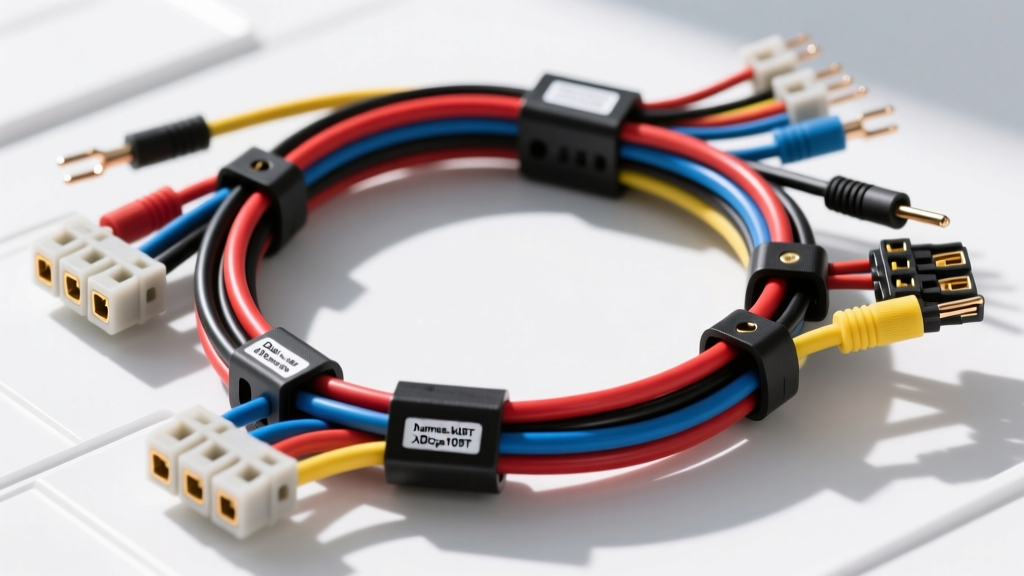
Understanding the Dual XDcpa10BT Integration Architecture
The Dual XDcpa10BT Bluetooth and multimedia integration module provides a critical bridge between modern wireless audio protocols and legacy or factory-installed head units. Whether you are retrofitting a classic vehicle with modern streaming capabilities or bypassing a locked-down OEM radio in a late-model truck, selecting the correct wiring harness is the single most important factor in achieving reliable, noise-free audio. Unlike standard aftermarket stereos, integration modules like the XDcpa10BT rely on precise data line communication, specific wake-up voltage thresholds, and clean high-level or low-level audio signal routing.
As an automotive electrical specialist, I frequently see integration modules fail not because of defective internal logic boards, but due to improper harness selection, voltage drop on the 12V accessory lines, or ground loops introduced by poor splicing techniques. This guide breaks down the official Dual XDcpa10BT wiring harness diagram, details the exact pinout specifications, and provides a comprehensive product comparison to help you choose between vehicle-specific T-harnesses, universal ISO adapters, and CAN-bus data decoders.
Official Dual XDcpa10BT Wiring Harness Diagram & Pinout
The primary interface on the XDcpa10BT module utilizes a sealed 16-pin Molex MX150 connector for power, ground, and analog audio, alongside a secondary 4-pin micro-connector for CAN-bus data and steering wheel control (SWC) inputs. Adhering to the Consumer Technology Association (CTA) Wiring Standards, the universal pigtail harness follows strict color-coding conventions. Below is the definitive pinout chart for the main 16-pin power and audio harness.
| Pin | Wire Color | Function | AWG | Technical Notes & Requirements |
|---|---|---|---|---|
| 1 | Yellow | +12V Constant (Battery) | 14 AWG | Must be fused within 18 inches of the battery. Draws ~15mA in sleep mode. |
| 2 | Red | +12V Switched (Accessory) | 14 AWG | Triggers module wake-up. Requires a clean 12V source; do not share with high-draw accessories. |
| 3 | Black | Chassis Ground | 14 AWG | Must terminate to bare, unpainted metal. Target resistance: < 0.05 ohms. |
| 4 | Blue/White | Amplifier / Antenna Turn-On | 18 AWG | Outputs +12V when BT is active. Max current draw: 300mA. Use a relay for factory amps. |
| 5 | White | Front Left Audio (+) | 18 AWG | Low-level RCA equivalent or high-level speaker input depending on dip-switch config. |
| 6 | White/Black | Front Left Audio (-) | 18 AWG | Do not ground this wire if using high-level differential inputs. |
| 7 | Gray | Front Right Audio (+) | 18 AWG | Ensure proper phase alignment with OEM tweeters. |
| 8 | Gray/Black | Front Right Audio (-) | 18 AWG | Keep separated from 12V power lines to prevent alternator whine. |
| 9 | Green | Rear Left Audio (+) | 18 AWG | Used for subwoofer summing in 2-channel bypass modes. |
| 10 | Green/Black | Rear Left Audio (-) | 18 AWG | Twist with Green (+) wire to reject common-mode EMI noise. |
| 11 | Purple | Rear Right Audio (+) | 18 AWG | Standard CTA routing. |
| 12 | Purple/Black | Rear Right Audio (-) | 18 AWG | Standard CTA routing. |
| 13 | Orange | Illumination / Dimmer | 20 AWG | Variable voltage (0-12V) for display dimming; often unused on BT-only modules. |
| 14 | Orange/White | Mute / Data Trigger | 20 AWG | Ground to mute; 12V to unmute. Critical for OEM radio integration. |
| 15 | Pink | Speed Sense / VSS | 22 AWG | Pulse input for speed-dependent volume; tie to ECM VSS output if required. |
| 16 | Brown | Parking Brake Detect | 22 AWG | Ground input to enable video/setup menus (if applicable to firmware version). |
Harness Selection Guide: Which Adapter Do You Need?
Choosing the right harness for the Dual XDcpa10BT depends entirely on your vehicle's factory data network (CAN, LIN, or Class 2 GMLAN) and whether you are retaining the factory radio or replacing it. According to Crutchfield Bluetooth Integration Guides, mismatching the harness type is the leading cause of 'no-audio' and 'battery drain' complaints.
Option 1: Vehicle-Specific T-Harness (Plug-and-Play)
Best For: Late-model vehicles (2010+) with complex CAN-bus networks where the factory radio is retained, and the XDcpa10BT is acting as a hidden Bluetooth bypass module.
How It Works: A T-harness (from brands like Metra or Axxess) plugs inline between the vehicle's main radio connector and the OEM head unit. It intercepts the speaker-level signals, routes them through the XDcpa10BT, and passes the CAN-bus data lines straight through via a high-speed pass-through circuit.
Pros: Zero wire cutting required. Preserves factory chimes, OnStar/ telematics, and steering wheel controls.
Cons: More expensive ($40-$80). Limited to specific vehicle applications.
Option 2: Universal 16-Pin ISO to Bare Wire Harness
Best For: Classic cars, hot rods, or vehicles where the factory radio has already been removed and an aftermarket amplifier is being installed alongside the XDcpa10BT.
How It Works: You mate the universal 16-pin Molex connector to the module and manually crimp the bare 14 AWG and 18 AWG wires to your vehicle's ignition switch, battery, and speaker runs.
Pros: Highly customizable. Inexpensive ($10-$15). Allows for custom relay configurations for high-current factory amplifiers.
Cons: Requires extensive soldering or military-splice crimping. High risk of user error regarding data-line integration.
Option 3: CAN-Bus Data Decoder & Retention Harness
Best For: Modern Chrysler (MS-CAN), GM (GMLAN), and Ford (MS-CAN) vehicles where the 'Switched 12V' (Red wire) is not present at the radio location, and the radio is turned on via a digital CAN-bus wake command.
How It Works: The decoder harness plugs into the OBD-II port or the factory radio plug, reads the digital 'Ignition ON' CAN message, and physically closes an internal relay to provide a clean 12V analog output to the Red wire on the XDcpa10BT harness.
Pros: Solves the 'no switched 12V' problem in modern push-to-start vehicles. Prevents parasitic battery drain.
Cons: Introduces a slight delay (1-2 seconds) in module wake-up time upon entering the vehicle.
Technical Installation & Splicing Standards
When adapting the Dual XDcpa10BT harness to a universal or custom application, adherence to Metra Electronics Installation Manuals and SAE wiring standards is non-negotiable. Never use 'T-taps' or 'scotch-locks' on the 18 AWG audio wires or 22 AWG data lines. These pierce the wire insulation, introducing moisture and oxidation, which increases resistance and degrades the audio signal-to-noise ratio (SNR).
For all power and ground connections (14 AWG), use adhesive-lined, marine-grade heat shrink butt connectors with a 3:1 shrink ratio. The internal adhesive melts and seals the copper strands, preventing capillary action from drawing moisture into the harness. For the Molex MX150 terminals on the module side, if you need to re-pin or extend the harness, you must use a dedicated Molex MX150 crimping tool (such as the Molex 63811-8100) to ensure the terminal wings properly fold over the wire strands and the insulation grip secures the jacket. A poor crimp here will result in intermittent Bluetooth dropouts when the vehicle hits a bump.
Troubleshooting Harness & Pinout Failures
Even with the correct diagram, integration modules can exhibit erratic behavior if the vehicle's electrical environment is hostile. Use this diagnostic tree to resolve common harness-related issues:
- Symptom: Module pairs via Bluetooth, but no audio plays through the speakers.
Cause: The Orange/White (Mute) wire is floating, or the factory amplifier turn-on (Blue/White) is missing.
Fix: Verify the Orange/White wire receives 12V during playback. Check the Blue/White wire with a multimeter; if it drops below 10V under load, install a standard 12V automotive relay to trigger the factory amp. - Symptom: High-pitched alternator whine that increases with engine RPM.
Cause: Ground loop caused by sharing a ground point with a high-current device (like a fuel pump or ignition coil), or running the 18 AWG RCA/Speaker wires parallel to the 14 AWG power wires.
Fix: Relocate the XDcpa10BT Black (Ground) wire to a dedicated, sanded chassis bolt. Ensure audio wires cross power wires at a 90-degree angle, never run parallel. - Symptom: Vehicle battery dies after sitting for 3 days.
Cause: The Yellow (Constant 12V) and Red (Switched 12V) wires are reversed, or the module is failing to enter sleep mode due to a noisy CAN-bus line.
Fix: Swap the Yellow and Red connections. Measure the current draw on the Yellow wire with the vehicle asleep; it should be under 20mA. If it remains above 500mA, install a CAN-bus filter or verify the data lines are properly terminated.
By strictly following the Dual XDcpa10BT wiring harness diagram and selecting the adapter topology that matches your vehicle's specific data architecture, you ensure a seamless, factory-grade Bluetooth integration that will perform reliably for the life of the vehicle.